
Frames
showcase frame puts each raw capture inside a window frame (a title bar, rounded corners, a soft
shadow) on a background, and writes it to outputs.readme. showcase all runs it after the capture.
The same look is used for the portfolio images, the
hero banner and terminal clips.
A minimal frame
Section titled “A minimal frame”export default defineConfig({ // name, target, shots ... frame: { style: 'window', theme: 'dark', background: { type: 'gradient', from: '#0f766e', to: '#1e1b4b' }, }, outputs: { readme: 'assets/showcase/{lang}/{id}.webp', },});Those are the defaults, so a config without frame or outputs looks the same. Every key is in the
config reference under frame and
outputs.
Styles and themes
Section titled “Styles and themes”style |
Title bar |
|---|---|
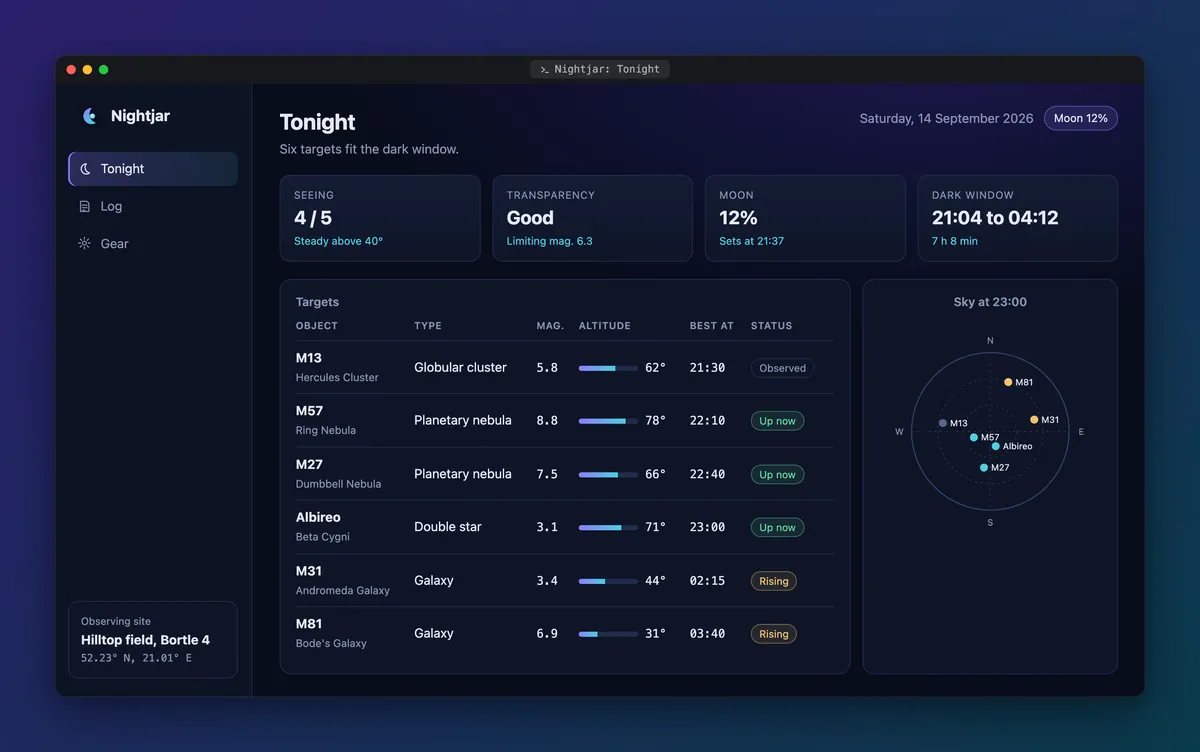
'window' (default) |
40 px, with the three traffic lights and the title centered. |
'minimal' |
A thin 28 px bar with the title, no lights. |
'none' |
No bar and no title: just the rounded screenshot. |
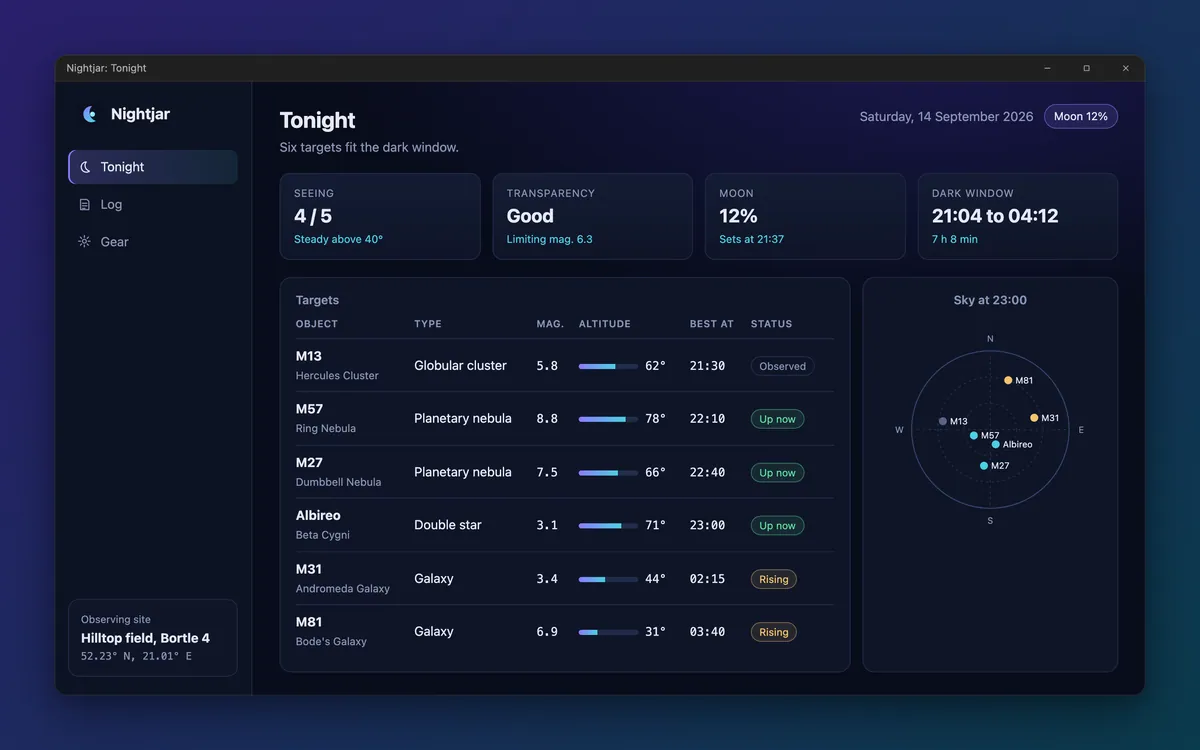
'browser' |
A 44 px browser toolbar: traffic lights, back, forward and reload, and an address bar showing address. |
'windows' |
A 32 px Windows title bar: the title on the left, minimize, maximize and close on the right. |
'terminal' |
A 34 px terminal bar: traffic lights and a tab with a prompt icon and the title in a monospace font. |
Each style on Nightjar, the fixture app of the docs gallery. Select one to open the file; the gallery has the config that made each.
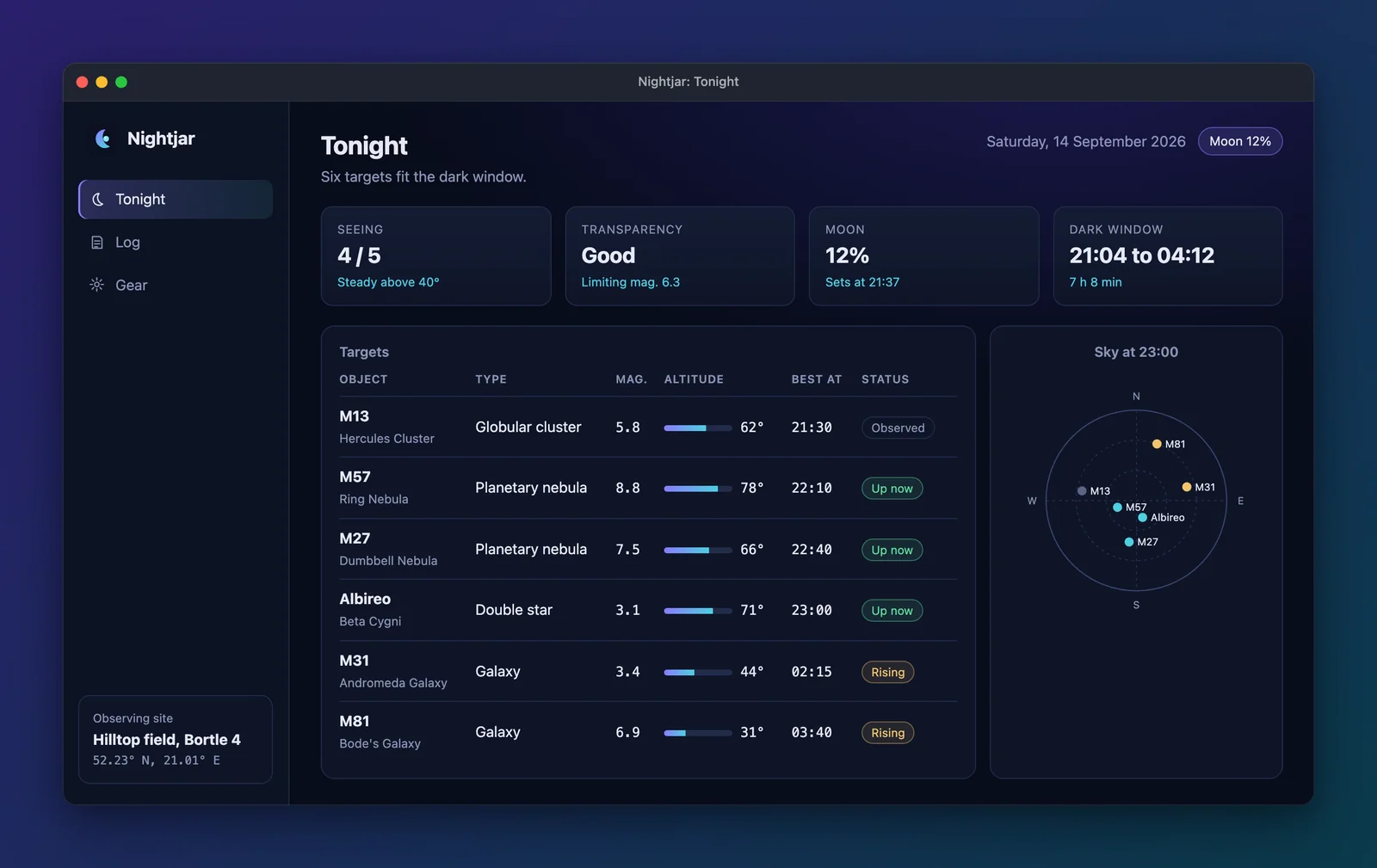
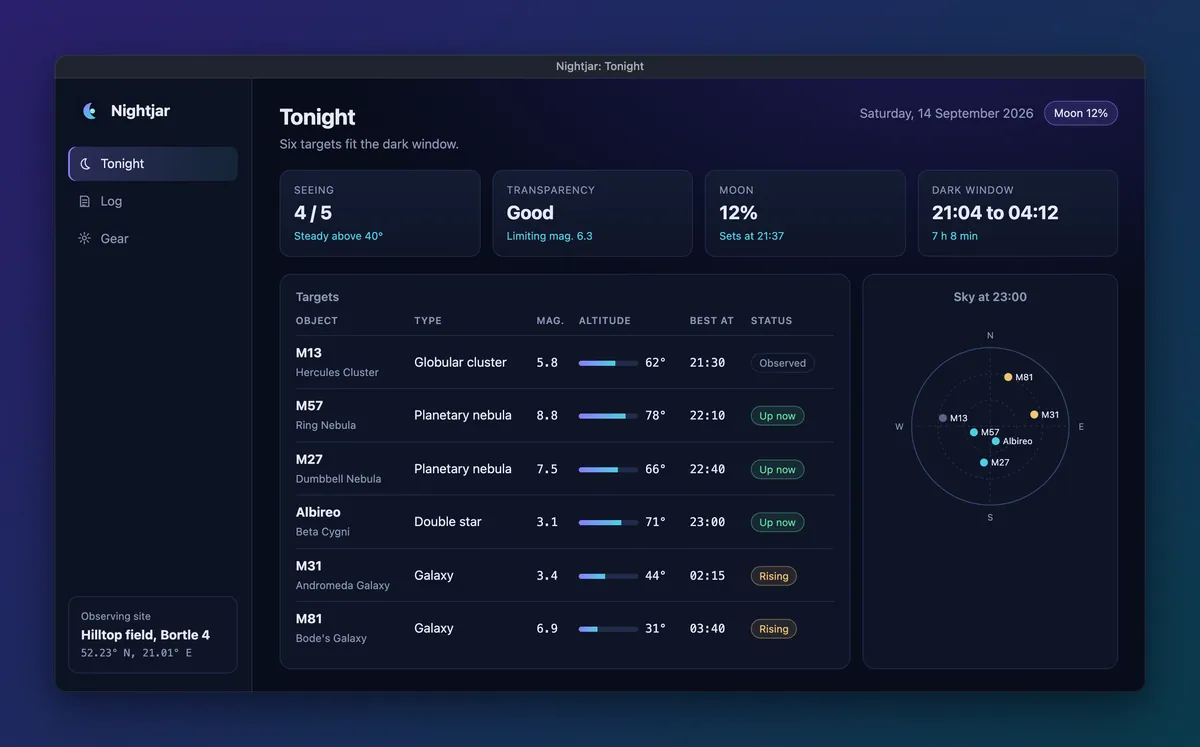
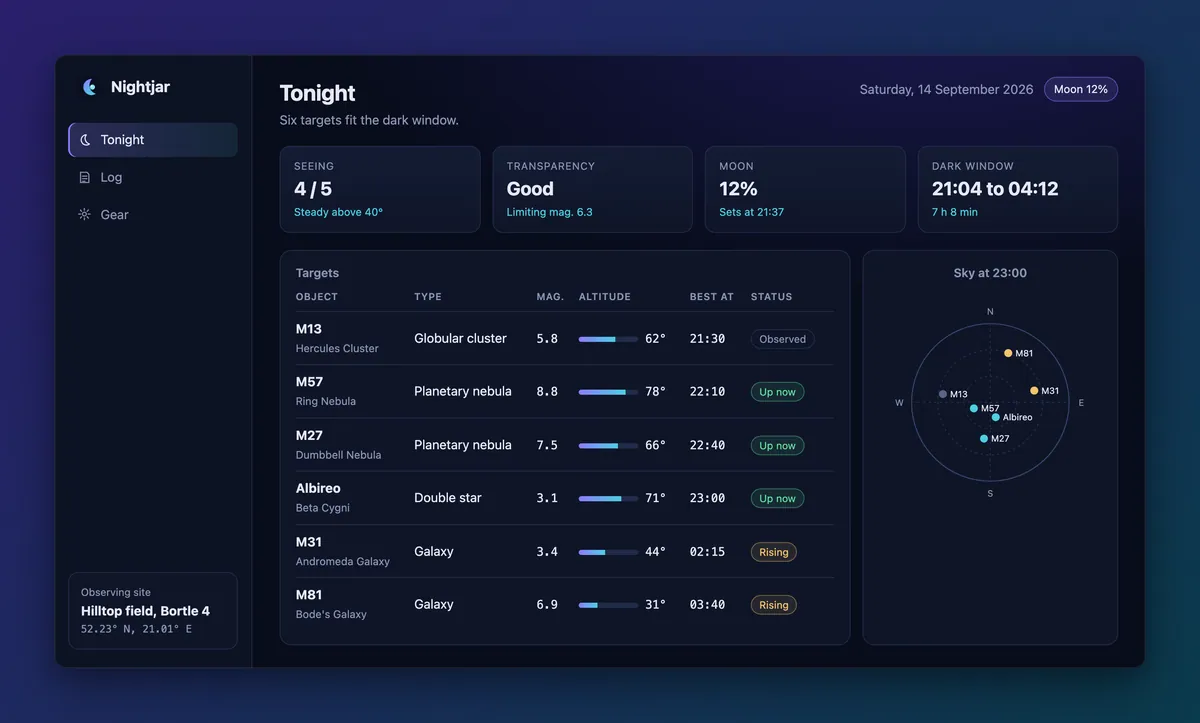
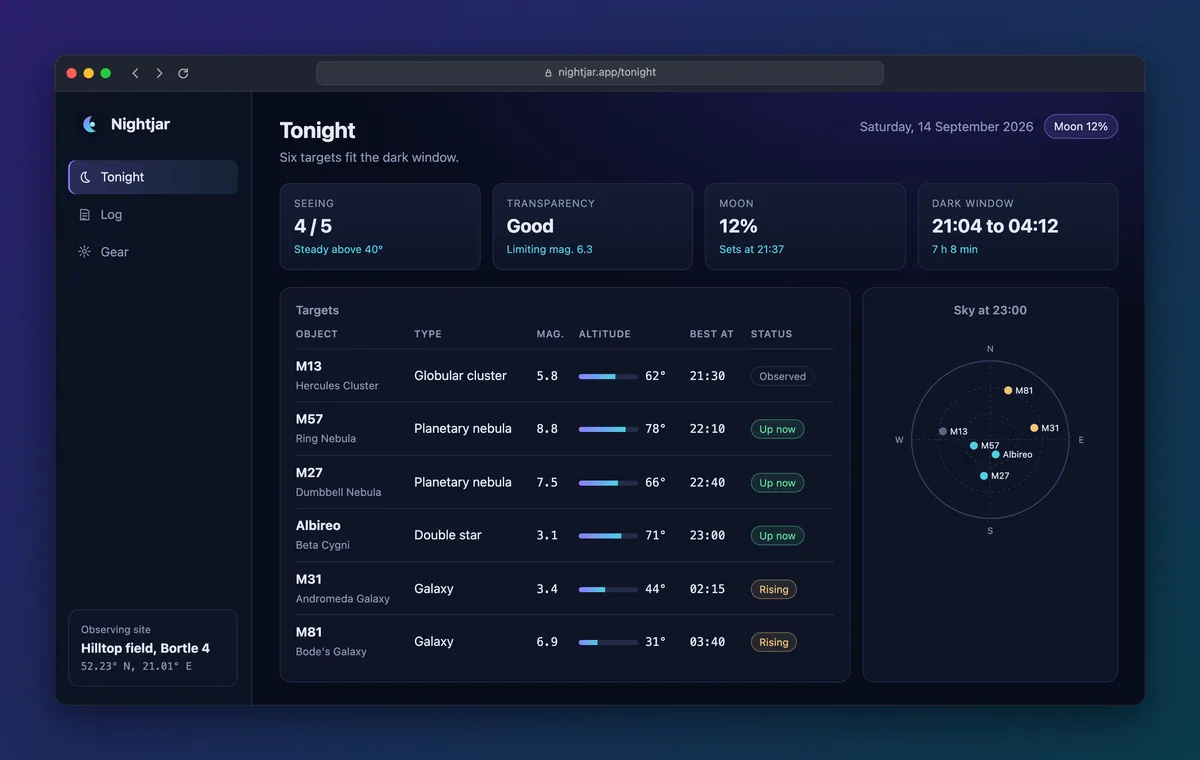
theme ('dark' by default, or 'light') sets the title bar’s colors. Pick the one that matches the
app, so the bar reads as part of the window.
The browser address bar
Section titled “The browser address bar”address is the text in the browser style’s address bar, '{url}' by default. {url} is the page
the shot visits, without http:// or https://: the target url, resolved with the shot’s nav when
that is a path or a URL. A shot reached by a click keeps the target url, so most apps will want their
own text, such as their public address:
frame: { style: 'browser', address: 'nightjar.app/{id}',},address also takes {name}, {title}, {id} and {lang}. The style has no title text, so title
does not show. In cdp mode the page is not known when the frame is drawn, so an address with {url}
is an error there; write the address instead. A terminal app has no address, so tty mode refuses the
browser style and suggests terminal or window.
The terminal style
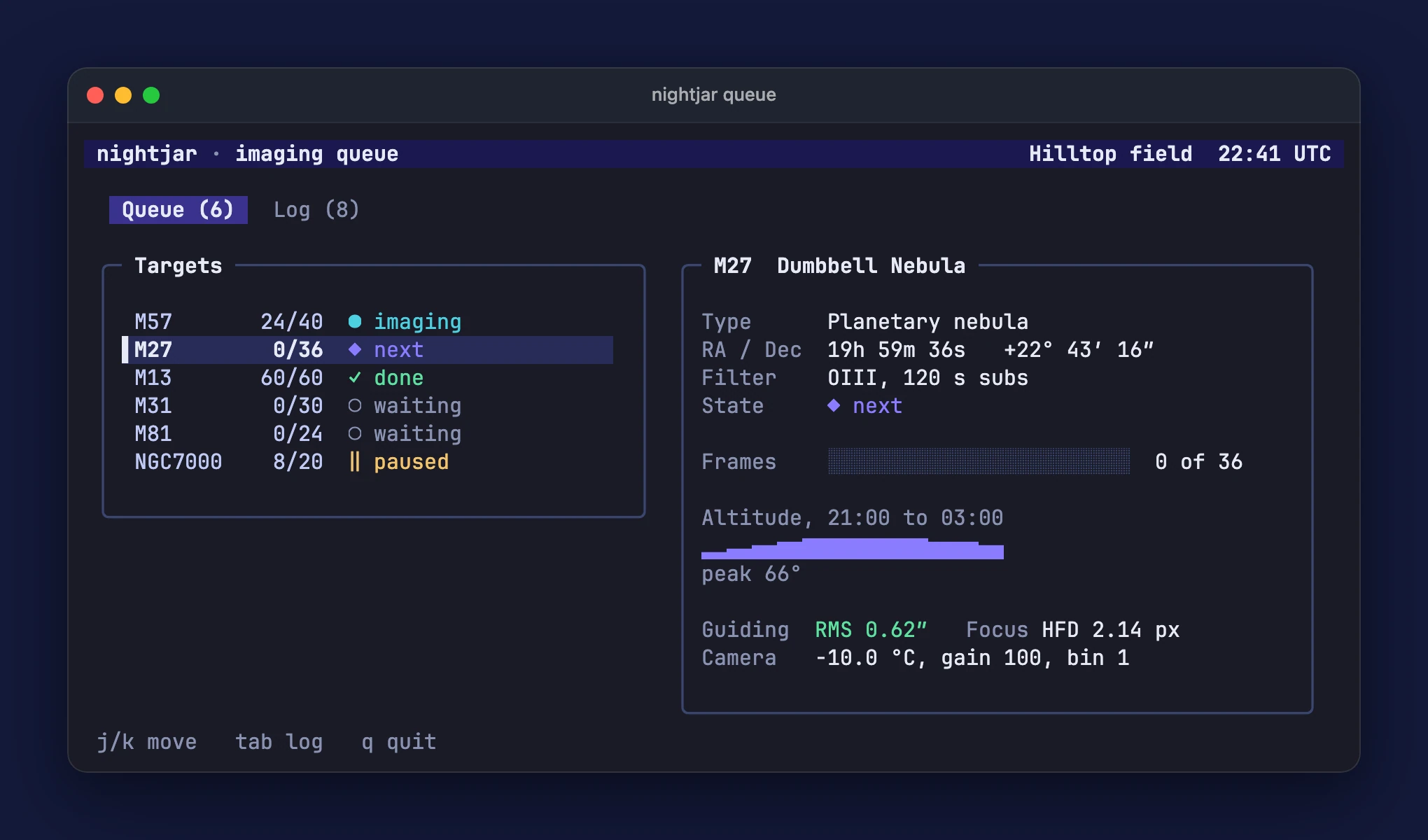
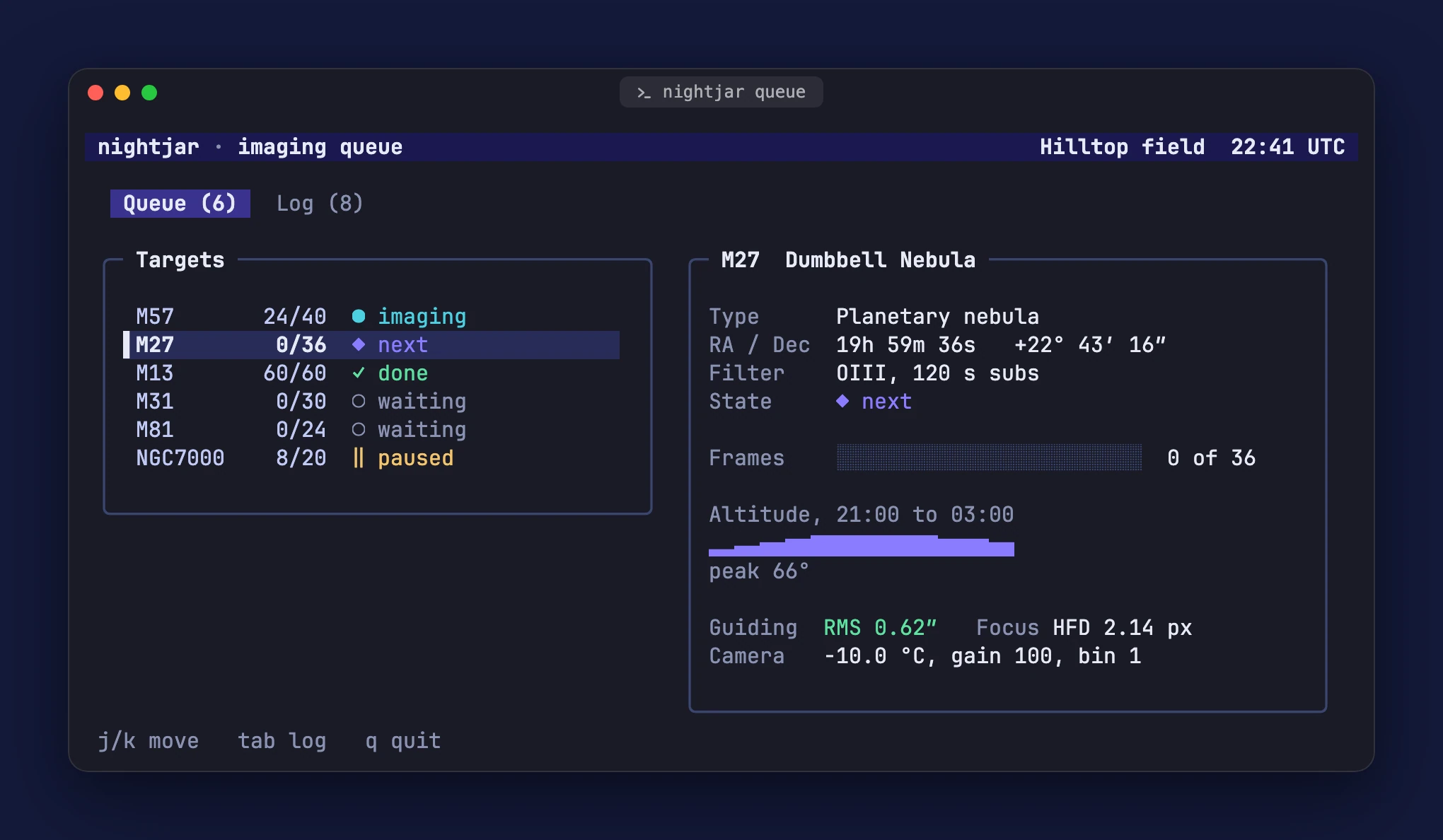
Section titled “The terminal style”terminal works for web apps and terminal apps. In tty mode its bar takes the terminal theme’s
background and drops the line under the bar, so the bar and the screen read as one terminal window. In
url and cdp mode the bar is a dark (or light) grey.
The gallery’s terminal app in window (the default), terminal and windows:
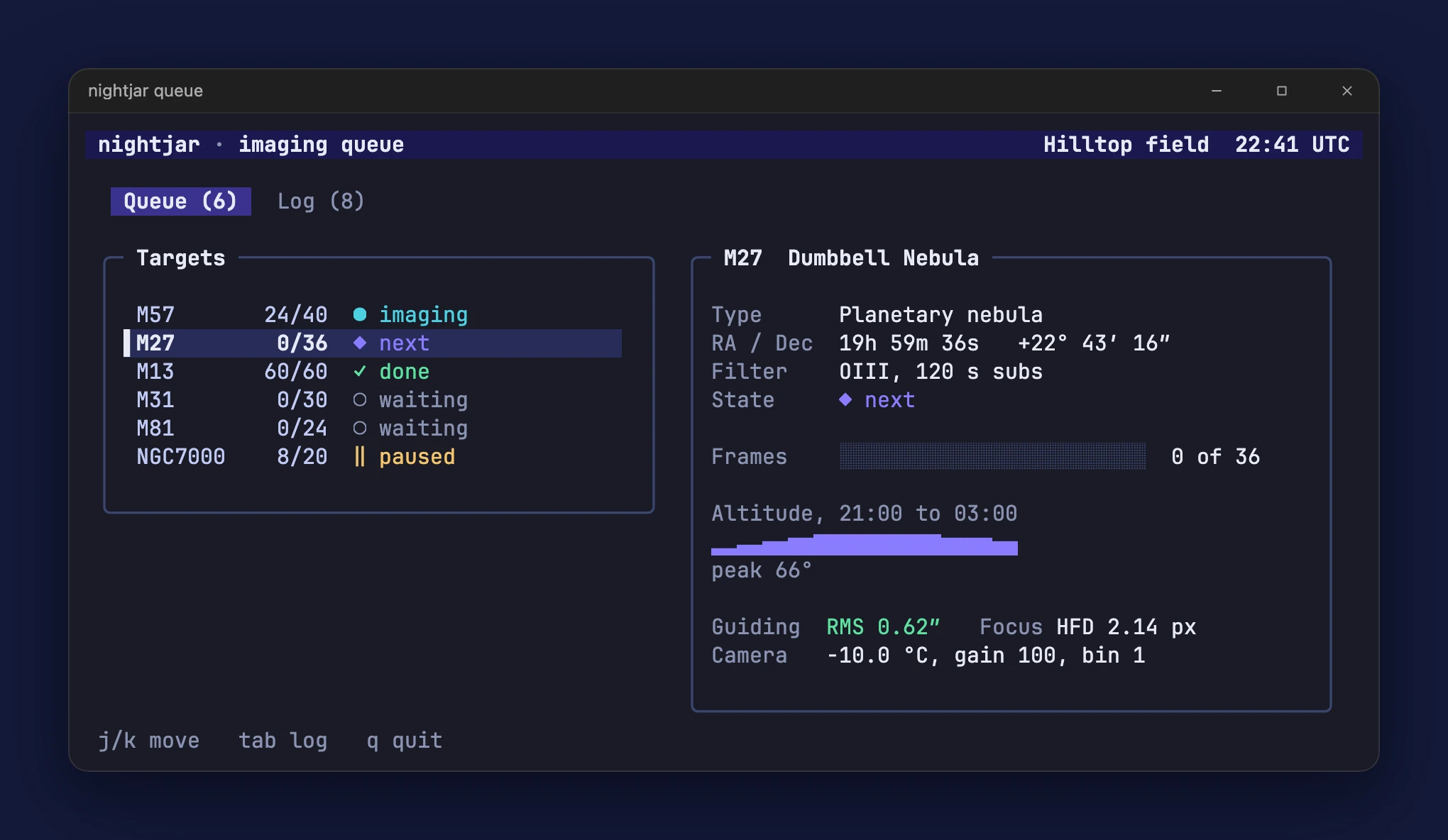
title is the title bar text, '{name}' by default. It takes the tokens {name} (the config’s
name), {title} (the shot’s title), {id} and {lang}, so title: '{name}: {title}' gives
“My App: Settings”. title: false hides it and keeps the bar.
Backgrounds
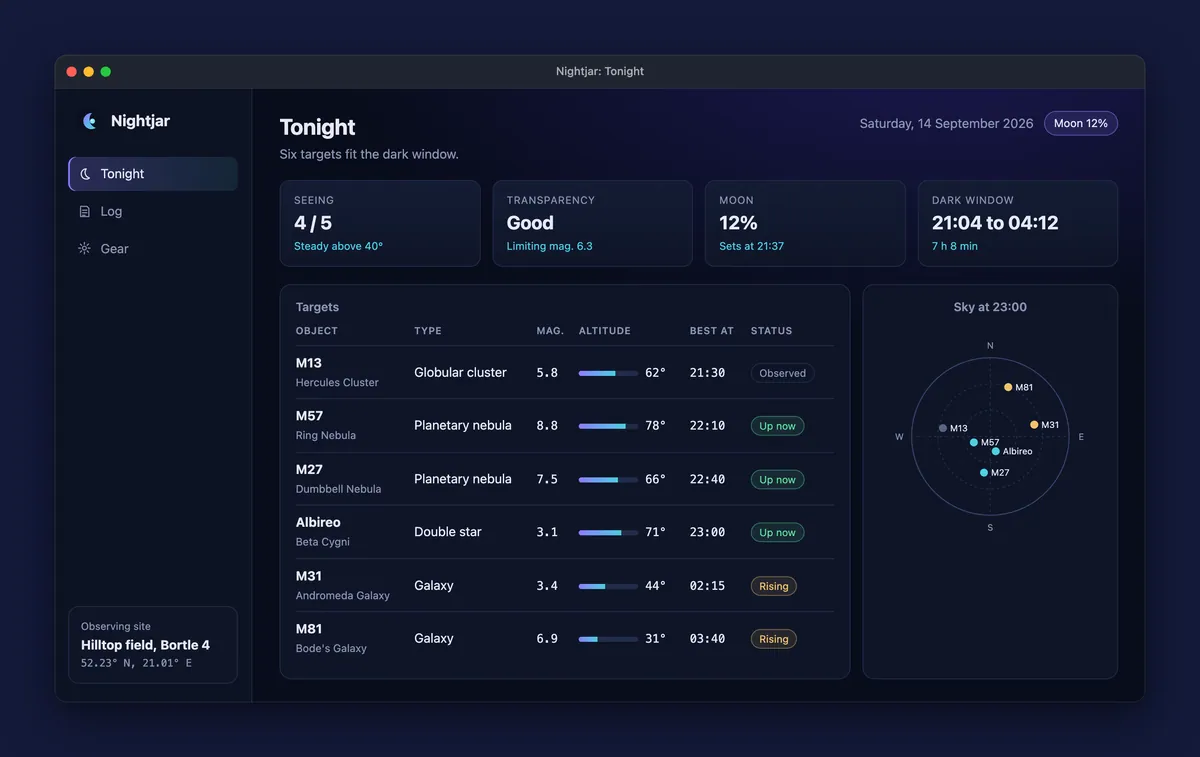
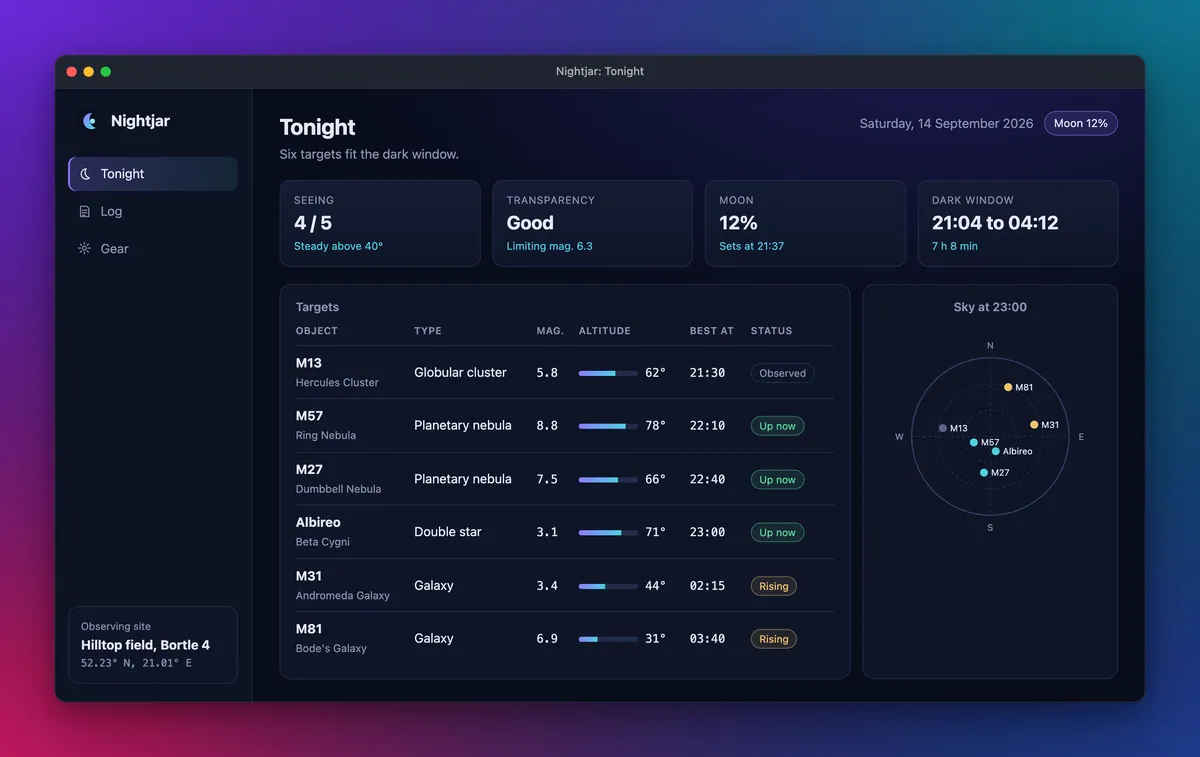
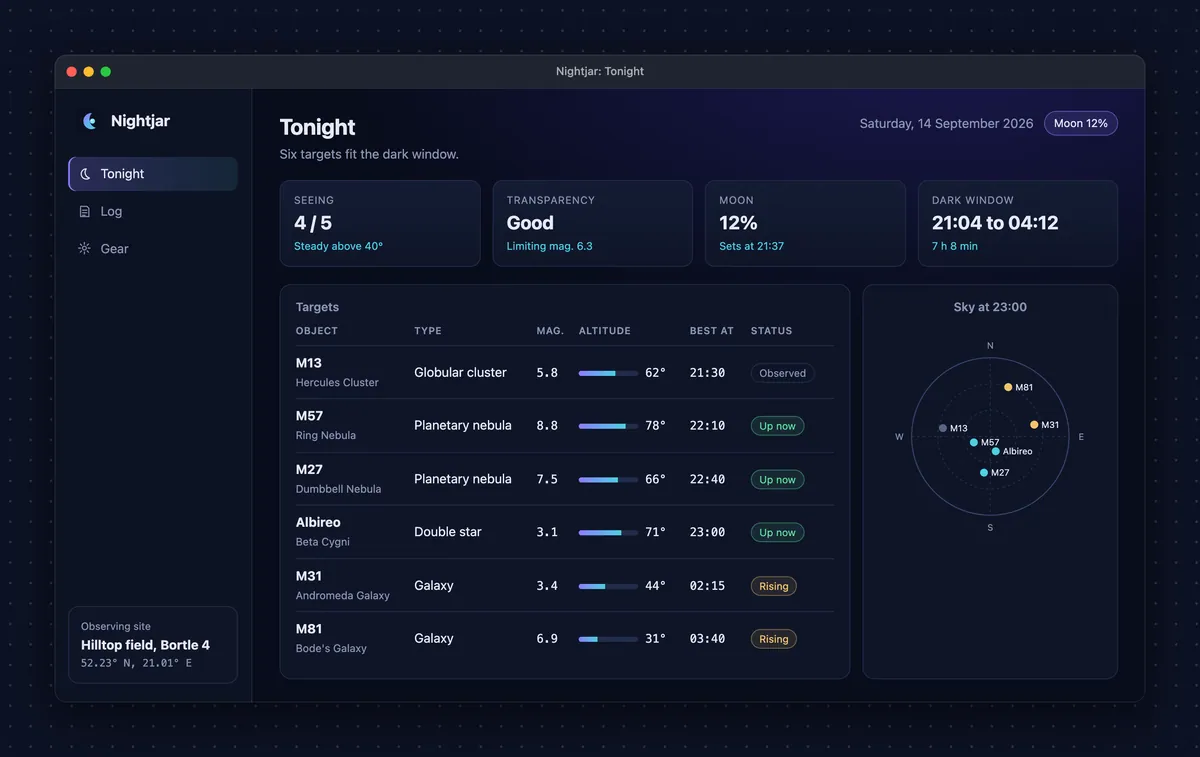
Section titled “Backgrounds”background takes these forms:
background: '#1e1b4b', // any CSS color: a hex, a name, rgb(), hsl(), oklch(), color-mix() ...background: { type: 'solid', color: '#1e1b4b' },background: { type: 'gradient', from: '#0f766e', to: '#1e1b4b', angle: 135 }, // angle defaults to 135background: { type: 'transparent' },background: { type: 'mesh', colors: ['#0b1026', '#6d28d9', '#0e7490', '#1e3a8a', '#be185d'] },background: { type: 'dots', color: '#0d1224', dot: 'rgba(255,255,255,0.14)', spacing: 24 },background: { type: 'noise', from: '#2a1f6b', to: '#0b3b4c', angle: 135, amount: 0.2 },- mesh takes two to five colors: the first is the base, and the others glow from the top left, top right, bottom right and bottom left corners, in that order.
- dots draws a grid of small dots on
color.dotis the dot color (a faint white by default: pick a dark one on a lightcolor) andspacingthe distance between dots, 8 to 96 CSS pixels (default 24). - noise is a gradient like
gradient, with a film grain on top.amount(0 to 1, default 0.2) sets how strong the grain is. The grain comes from a fixed seed, so it is the same on every run.
Each form on Nightjar, the fixture app of the docs gallery; the gallery has the config that made each:
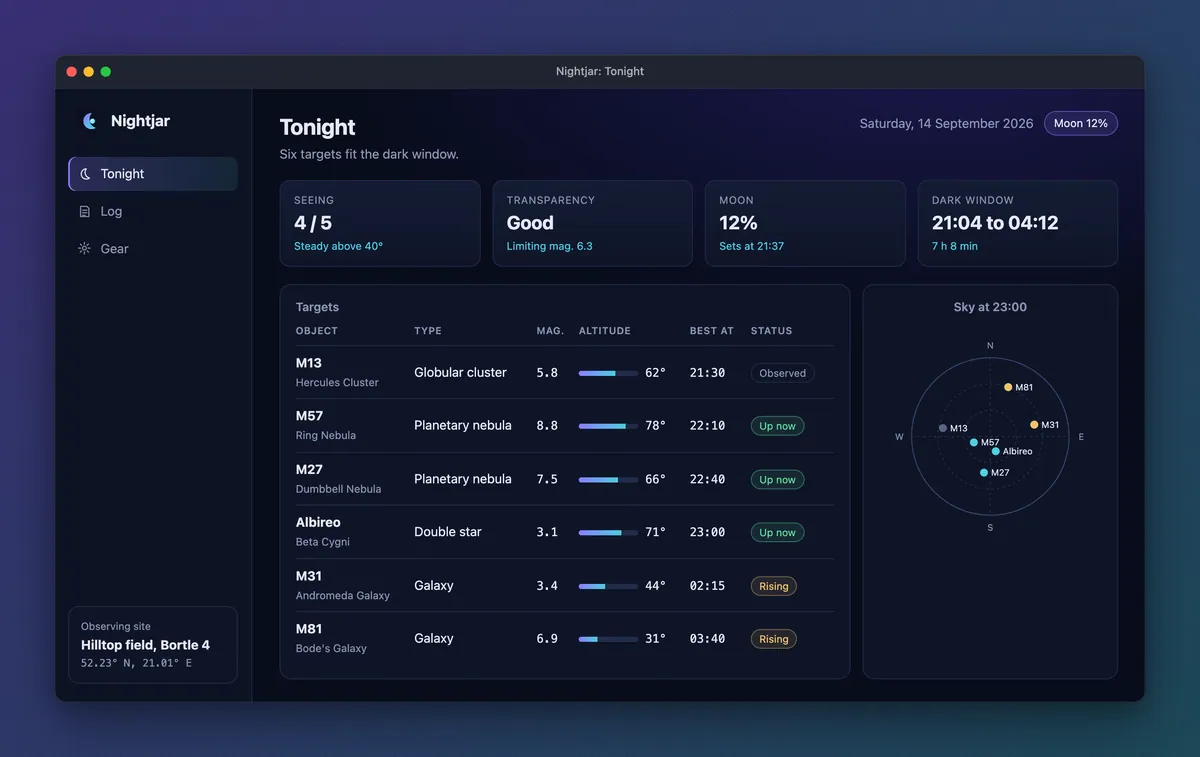
The hero’s background takes the same forms.
Colors are checked when the config loads: only color syntax is accepted, so url() and other CSS
functions are rejected. A transparent background keeps the alpha channel in both WebP and PNG, so the
shadow falls on whatever page the image sits on.
The default is the teal to indigo gradient above. For clips, a solid background keeps the file small: gradients, meshes, dots and grain do not compress.
Spacing, corners and shadow
Section titled “Spacing, corners and shadow”padding(default 72) is the space around the window, in CSS pixels.radius(default 14) is the window’s corner radius.shadow(default true) draws a soft drop shadow under the window.
For a bare screenshot with rounded corners and nothing else, combine
style: 'none', background: { type: 'transparent' }, padding: 0 and shadow: false.
Formats and size
Section titled “Formats and size”The extension of outputs.readme picks the format: .webp (the default) or .png. WebP uses
quality (default 90, 1 to 100); PNG is lossless.
Frames render at the capture’s device scale factor, so a framed image keeps every pixel of the capture.
A 1440x900 capture at DPR 2 becomes a (1440 + 2 x 72) x (900 + 40 + 2 x 72) CSS pixel image, which is
3168x2168 pixels. That is sharp on a high density screen and heavy in a README: set maxWidth to
downscale anything wider (for example maxWidth: 1800). Narrower images are never enlarged.
Output paths
Section titled “Output paths”outputs.readme is a path template. Its tokens are {lang}, {id} and {slug}:
{id}is required, so shots never overwrite each other;{lang}is required oncelangshas more than one language;- the path must end in
.webpor.png; - a relative path resolves against the config’s directory (or
root, if you set one).
The raw captures follow the same rules at outputs.raw (default showcase-out/raw/{lang}/{id}.png),
which must be a .png. Add showcase-out/ to .gitignore, and commit the framed images.
Portfolio-only configs: outputs.readme: false
Section titled “Portfolio-only configs: outputs.readme: false”The portfolio images and the hero render from the raw captures, not from the README images. A config that only feeds a portfolio can skip the README images:
outputs: { readme: false, portfolio: { dir: '../portfolio/public/projects/{slug}' },},frame then writes nothing and says so, all goes straight from capture to the portfolio export, and
readme explains that there is nothing to list.
Running it
Section titled “Running it”showcase frame reads every raw capture first, so a missing one stops the run before a browser starts,
with a hint to run showcase capture. --only and --langs limit it to some shots and languages, like
capture.
Related
Section titled “Related”- README table: list the framed images in your README.
- Portfolio: the same frame at an exact size.
- CLI reference:
showcase frame.