
Gallery
Every image on this page is a file showcase-kit wrote, committed exactly as the kit produced it. The app in them is
Nightjar, a made-up observing planner that lives in the kit’s repository under site/gallery/: plain HTML, CSS and
JavaScript with fixed data (no clock, no randomness, no network), served by a small node:http server that the kit
starts through target.start. Its terminal side, nightjar queue, is a Node script without dependencies.
One command regenerates everything below, from empty output folders:
bun run build # the kit's CLI, dist/cli.jsbun run docs:gallery # site/scripts/gallery.tsEach caption names the file and its real size. Select an image to open the file itself.
README images
Section titled “README images”The web config captures three views at 1280x720 CSS pixels and device scale factor 2, in English and Polish. The app
takes its language from the browser locale, and the kit gives each entry in langs its own browser context with that
locale, so the config needs no setup. frame puts each capture in a window on a gradient, and maxWidth: 1600
scales the 2816 pixel wide result down for a lighter README. The frames guide explains
each option.
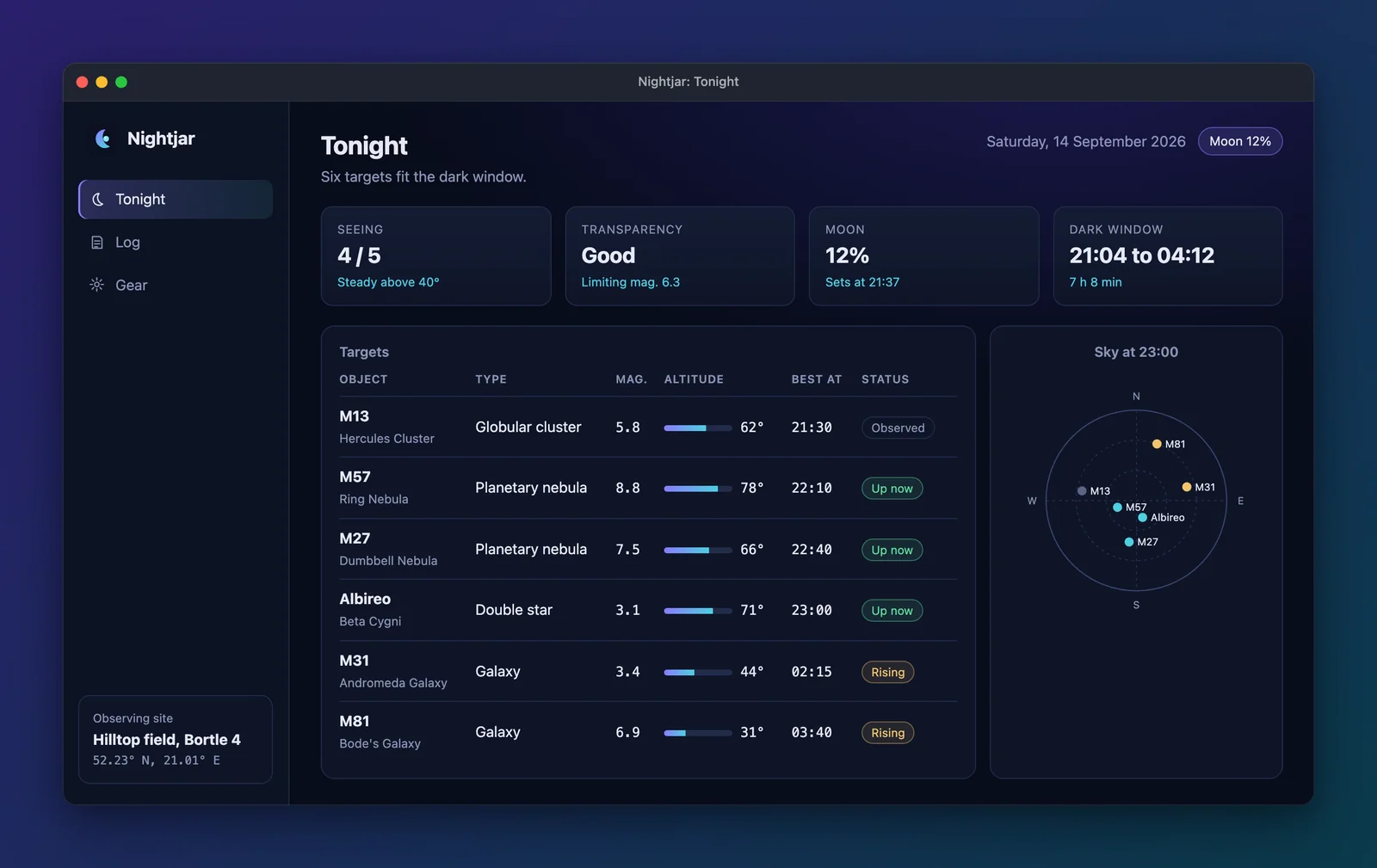
readme/en/tonight.webp 1600x1009, 54.0 KB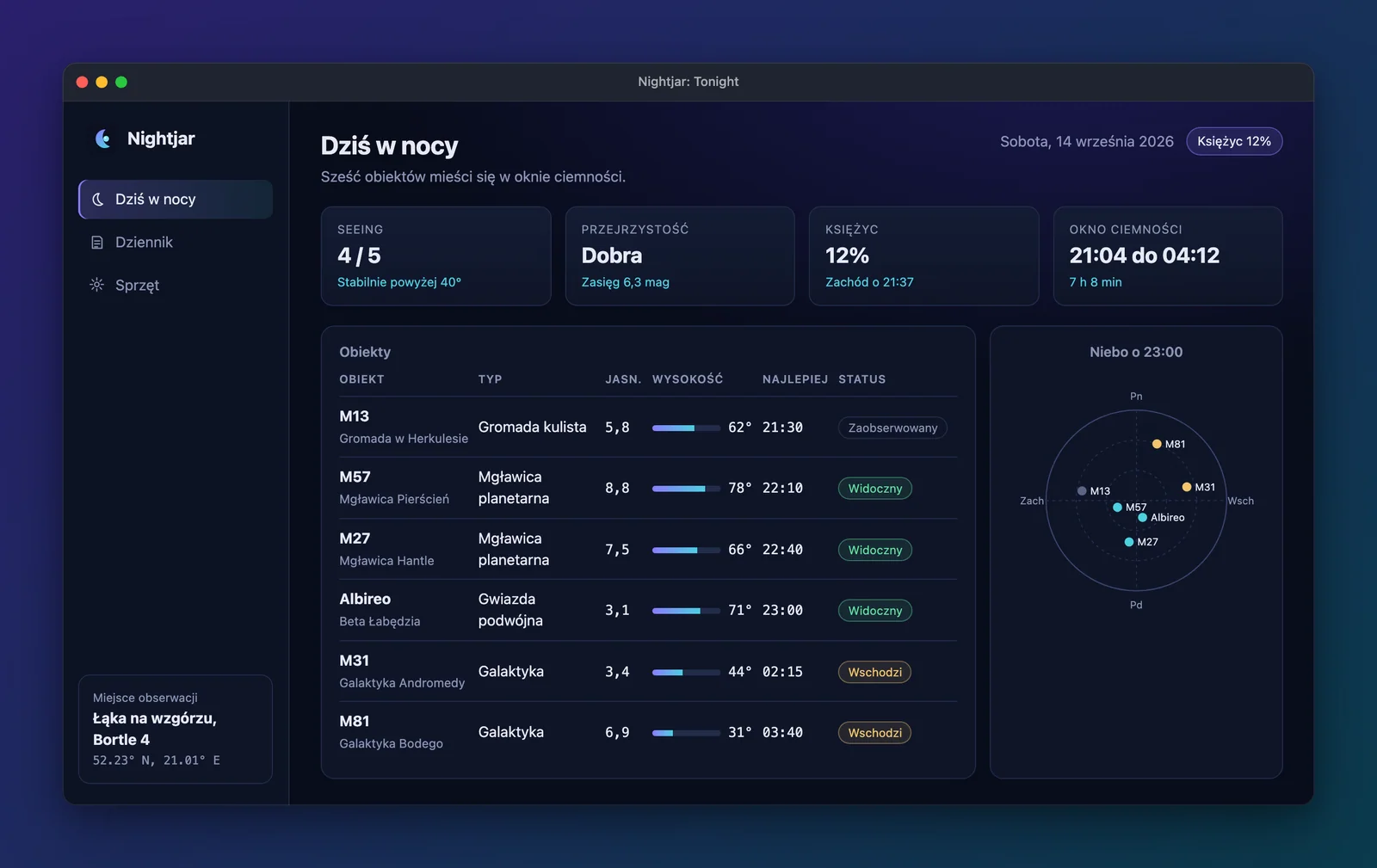
readme/pl/tonight.webp 1600x1009, 61.0 KB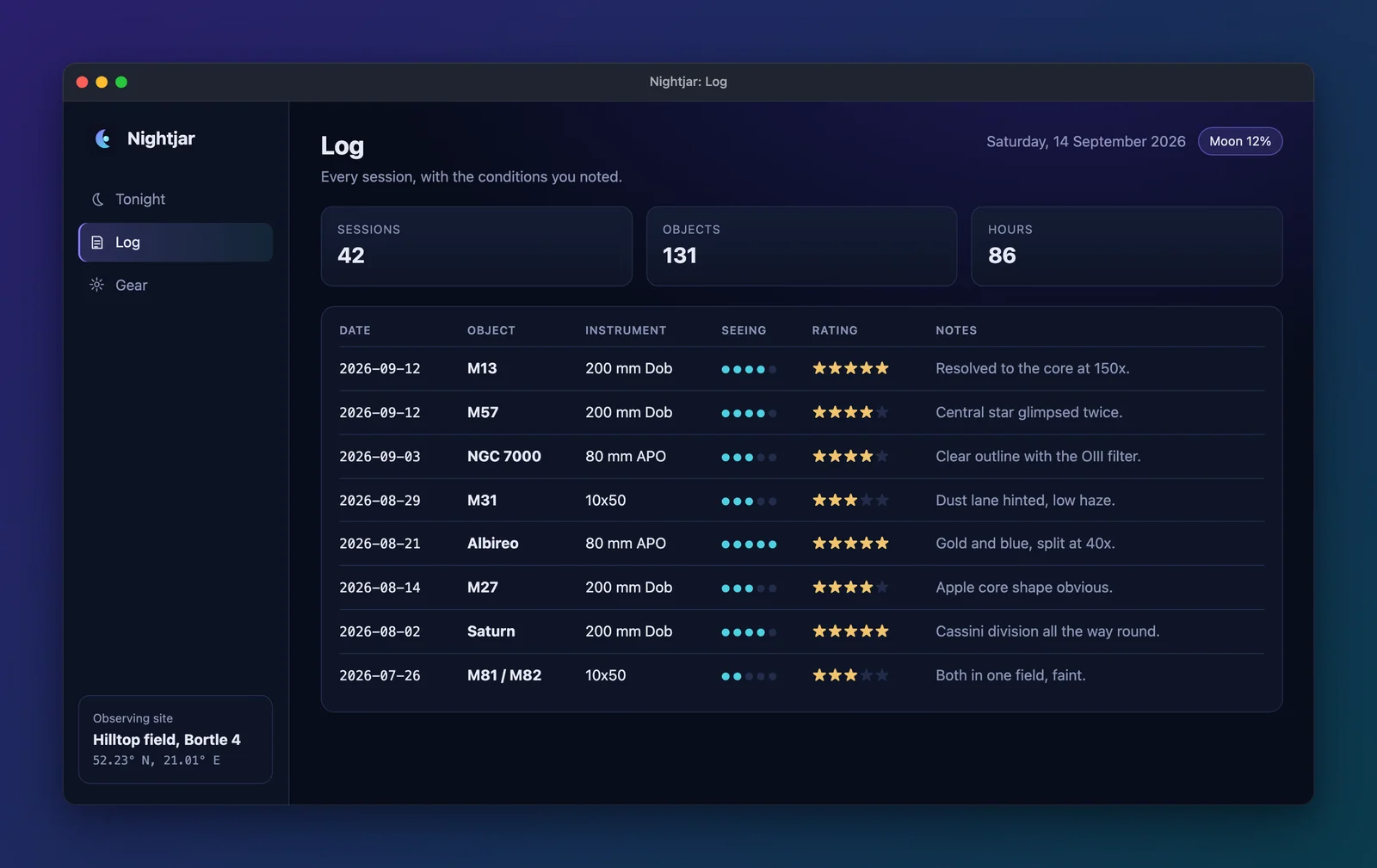
readme/en/log.webp 1600x1009, 57.3 KB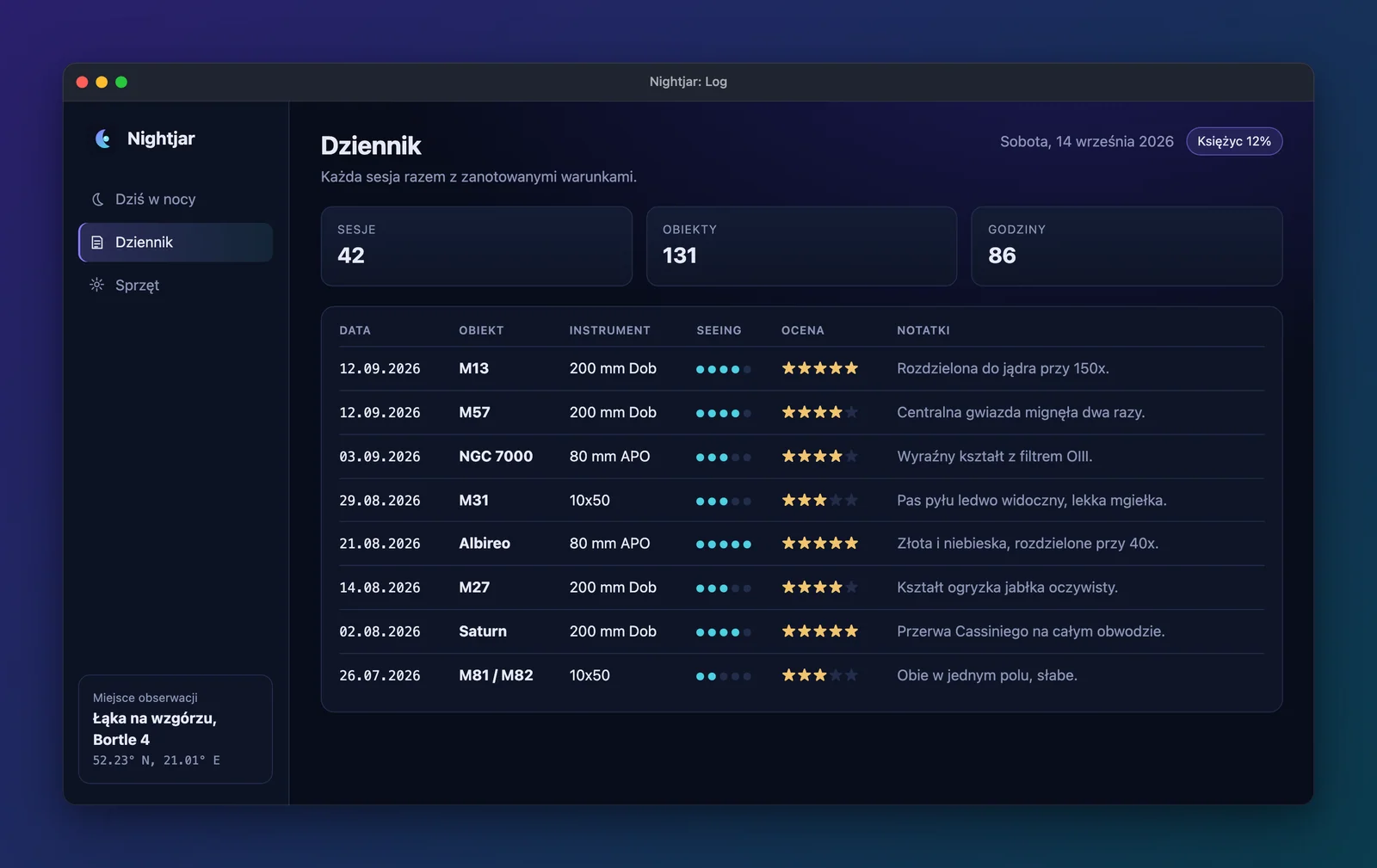
readme/pl/log.webp 1600x1009, 61.8 KB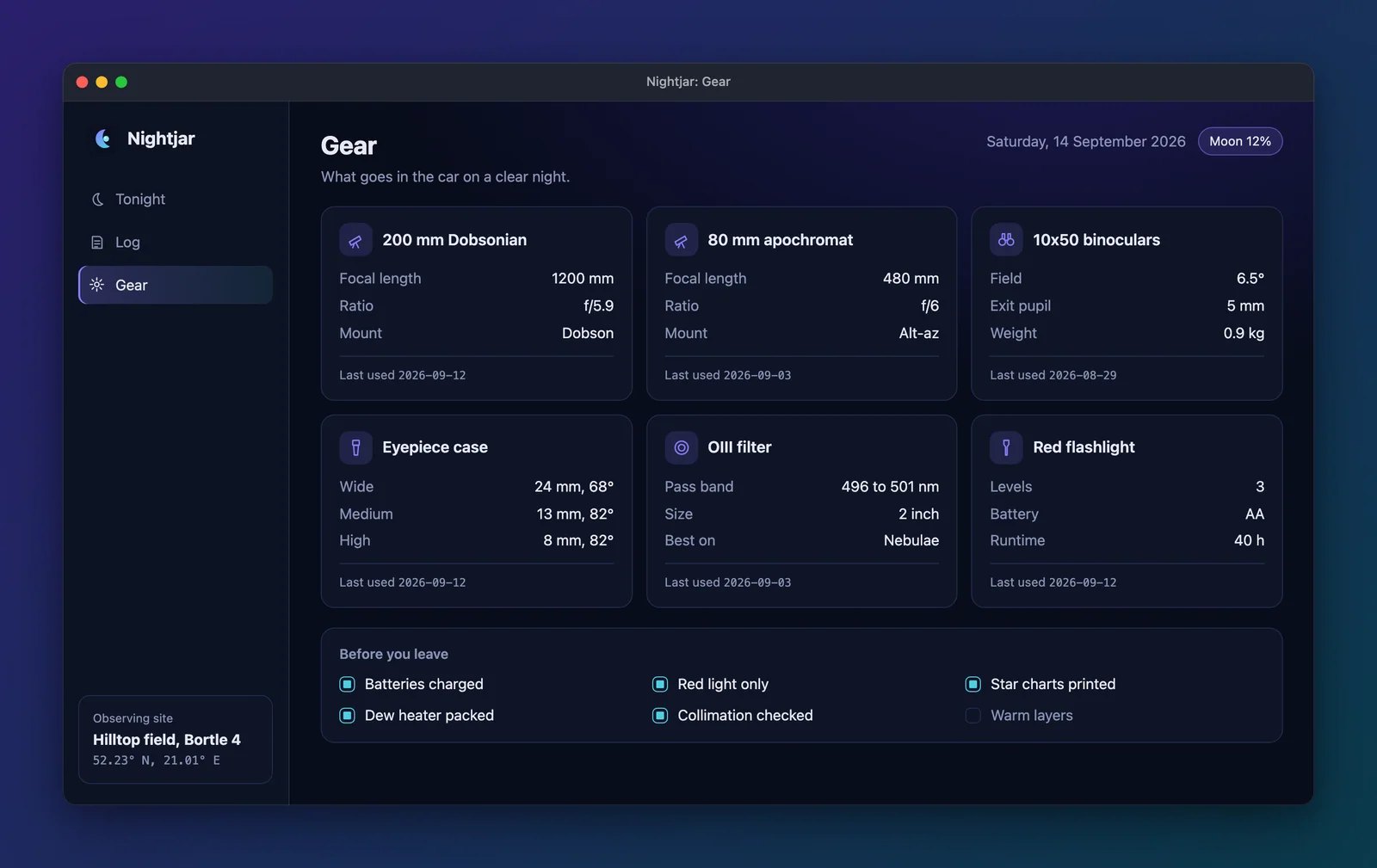
readme/en/gear.webp 1600x1009, 53.5 KB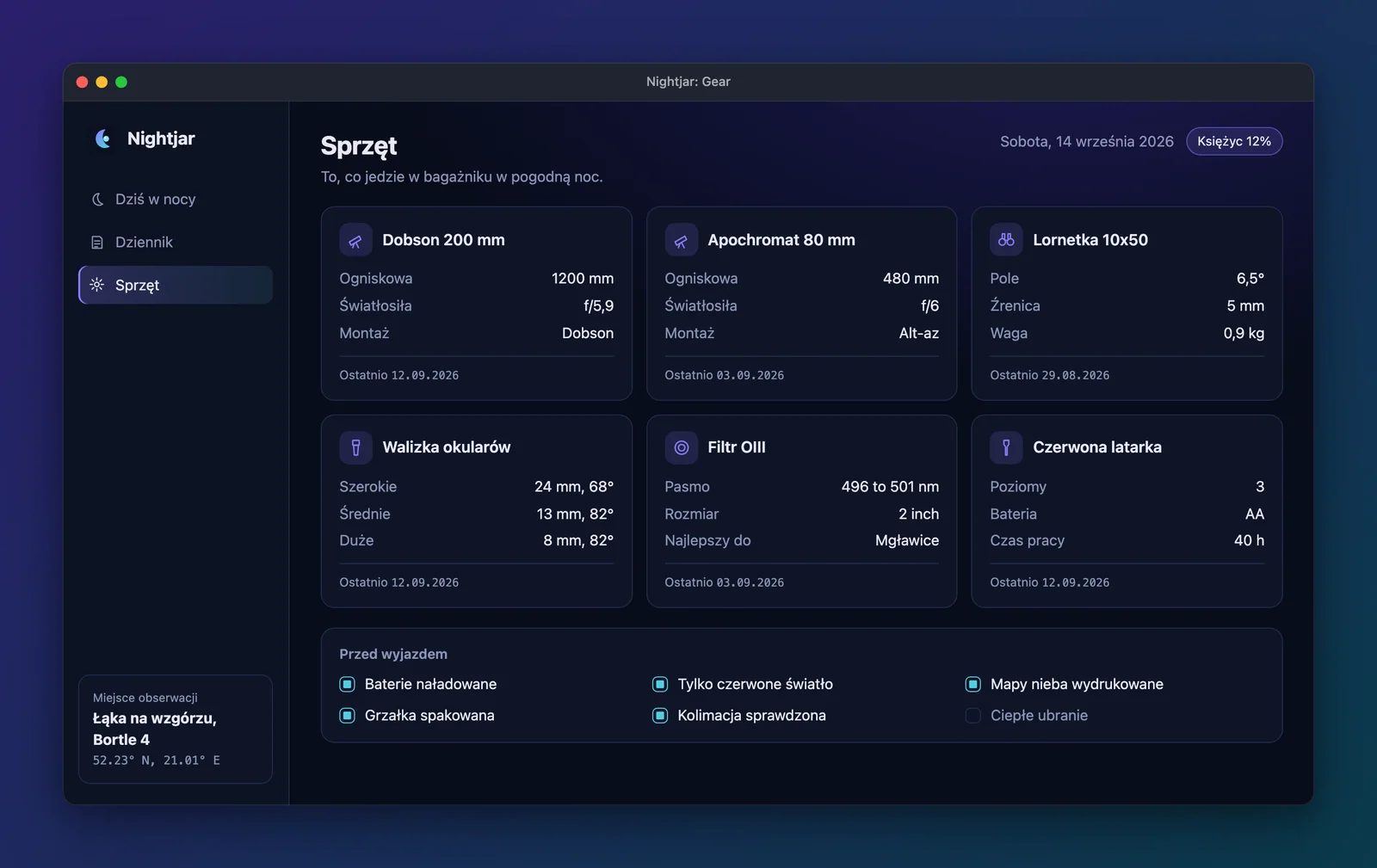
readme/pl/gear.webp 1600x1009, 57.9 KBThe whole web config. The portfolio and the hero below come from it too:
// The web half of the docs gallery: Nightjar, a static fixture app in app/, served by server.mjs.// In your own project, wrap the object in `defineConfig` from '@noctcore/showcase-kit' for editor// completion. This file sits inside the kit's repo, where the package cannot import itself, so it// exports the plain object (defineConfig only returns what it is given).export default { name: 'Nightjar', target: { mode: 'url', url: 'http://127.0.0.1:47219/', start: 'node server.mjs --port 47219', // Always start this copy, never a server something else left on the port. reuseExisting: false, readyTimeoutMs: 20000, }, ready: '#app[data-ready]', viewport: { width: 1280, height: 720 }, deviceScaleFactor: 2, colorScheme: 'dark', // The app reads navigator.language, and each language gets a browser context with that locale. langs: ['en', 'pl'], shots: [ { id: 'tonight', title: 'Tonight', caption: 'Plan the night: conditions, targets and a sky chart.', alt: "Nightjar's Tonight view: four condition cards, a table of six targets with altitude bars, and a sky chart.", nav: '[data-view="tonight"]', }, { id: 'log', title: 'Log', caption: 'Every session, with seeing and notes.', alt: "Nightjar's Log view: session totals and a table of eight observations with seeing dots, star ratings and notes.", nav: '[data-view="log"]', }, { id: 'gear', title: 'Gear', caption: 'The kit that goes in the car.', alt: "Nightjar's Gear view: six equipment cards with their specs, and a packing checklist.", nav: '[data-view="gear"]', }, ], frame: { style: 'window', theme: 'dark', title: '{name}: {title}', background: { type: 'gradient', from: '#2a1f6b', to: '#0b3b4c', angle: 135 }, padding: 64, maxWidth: 1600, quality: 85, }, outputs: { raw: 'showcase-out/raw/{lang}/{id}.png', readme: '../public/gallery/readme/{lang}/{id}.webp', portfolio: { dir: '../public/gallery/portfolio', size: [1600, 900], quality: 85, thumbnail: 'tonight', publicPath: '/showcase-kit/gallery/portfolio', // Next to this config, not in public/: the docs page imports it at build time. gallery: 'showcase.gallery.json', }, }, hero: { tagline: 'Plan the night, log what you saw.', logo: '../src/assets/mark.svg', shots: ['gear', 'log', 'tonight'], output: '../public/gallery/hero.webp', quality: 85, },};Portfolio
Section titled “Portfolio”outputs.portfolio exports every shot at exactly 1600x900 pixels, the framed window contained on the background and
never cropped, plus thumbnail.webp (a copy of the tonight image) and showcase.gallery.json. The images below are
rendered from that JSON at build time, which is how a portfolio site is meant to use it. Its publicPath is the URL
this site serves the images from, so each src works as written. See the
portfolio guide.
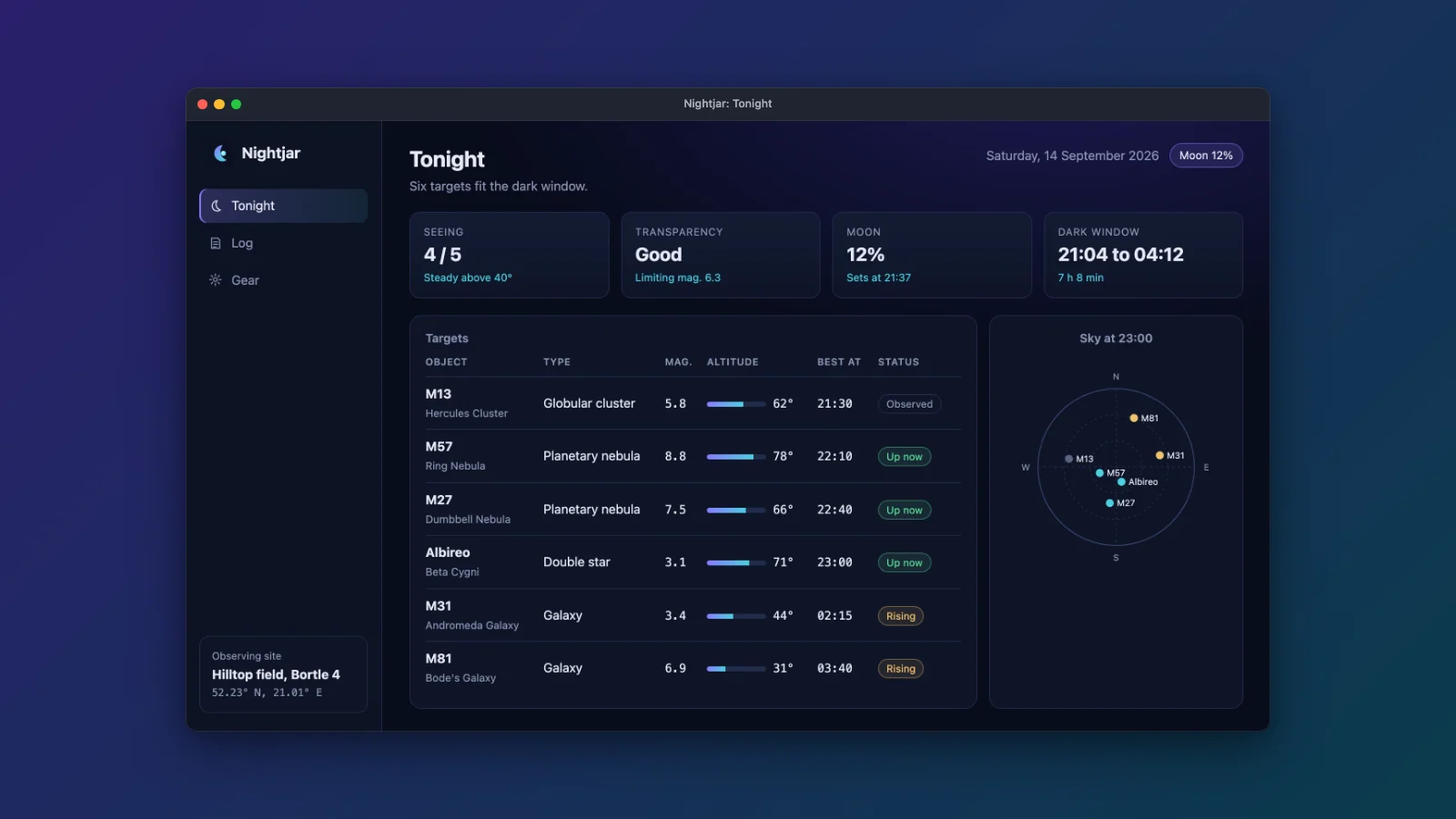
portfolio/tonight.webp 1600x900, 38.0 KB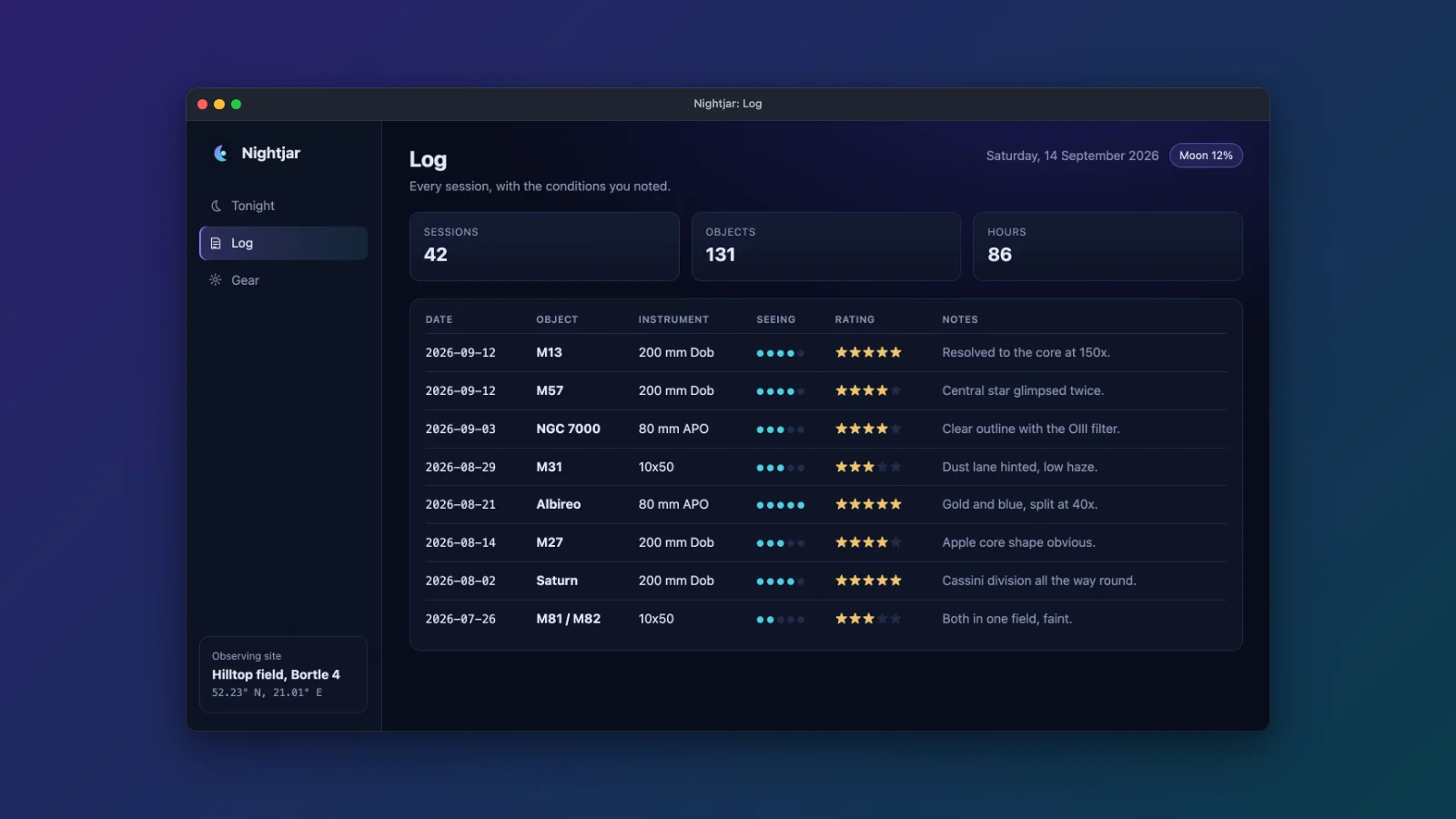
portfolio/log.webp 1600x900, 41.0 KB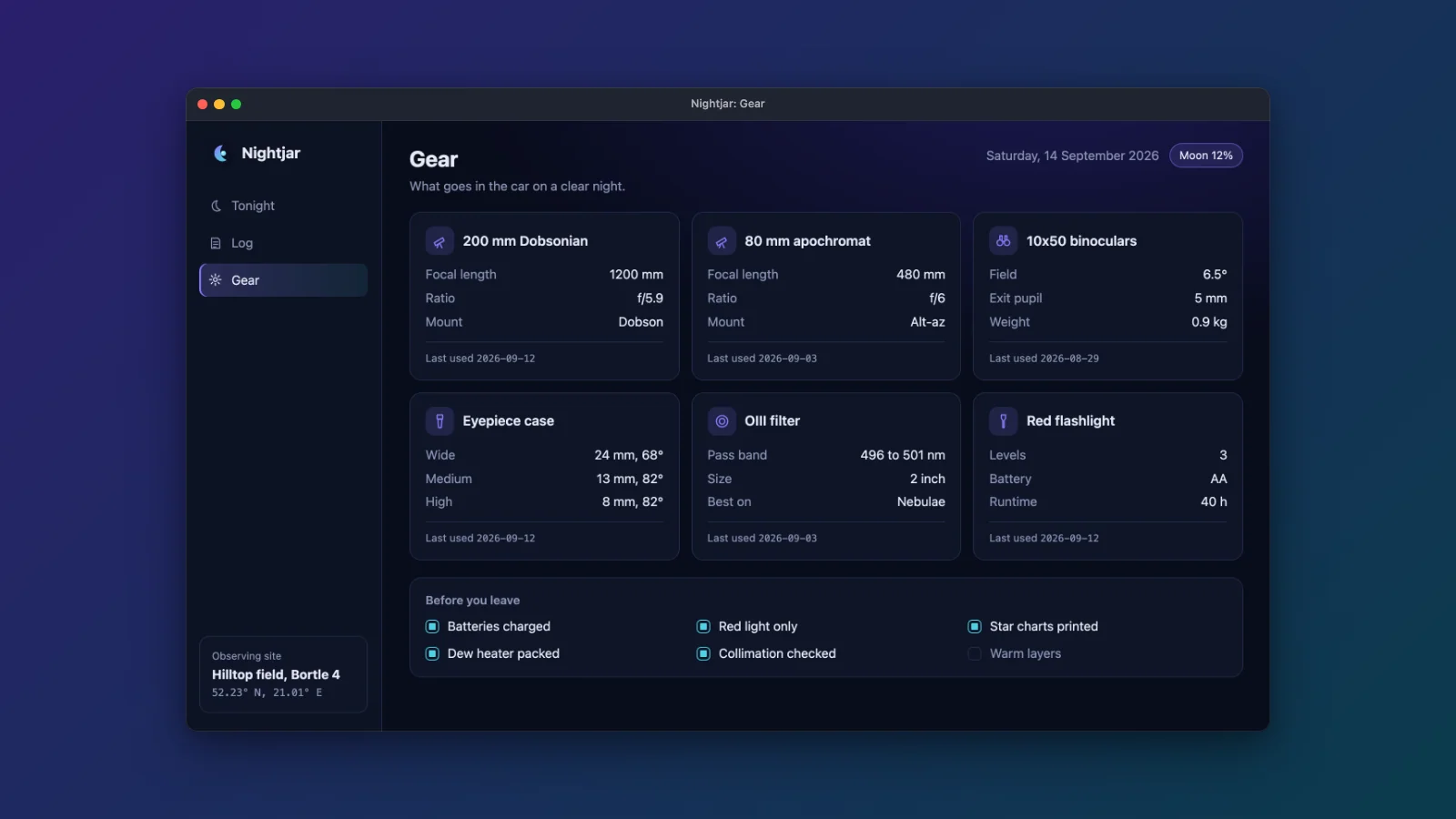
portfolio/gear.webp 1600x900, 38.6 KBportfolio: { dir: '../public/gallery/portfolio', size: [1600, 900], quality: 85, thumbnail: 'tonight', publicPath: '/showcase-kit/gallery/portfolio', // Next to this config, not in public/: the docs page imports it at build time. gallery: 'showcase.gallery.json',},The gallery JSON the export wrote. It sits next to the config rather than in the served folder, because this page imports it:
[ { "src": "/showcase-kit/gallery/portfolio/tonight.webp", "alt": "Nightjar's Tonight view: four condition cards, a table of six targets with altitude bars, and a sky chart.", "caption": "Plan the night: conditions, targets and a sky chart." }, { "src": "/showcase-kit/gallery/portfolio/log.webp", "alt": "Nightjar's Log view: session totals and a table of eight observations with seeing dots, star ratings and notes.", "caption": "Every session, with seeing and notes." }, { "src": "/showcase-kit/gallery/portfolio/gear.webp", "alt": "Nightjar's Gear view: six equipment cards with their specs, and a packing checklist.", "caption": "The kit that goes in the car." }]Hero banner
Section titled “Hero banner”showcase hero in its default stack layout stacks up to three framed shots, tilted, next to the logo, the name and
the tagline, at the 1280x640 GitHub social preview size. It renders from the raw captures, like the portfolio. The logo is this site’s own mark.
See the hero guide.
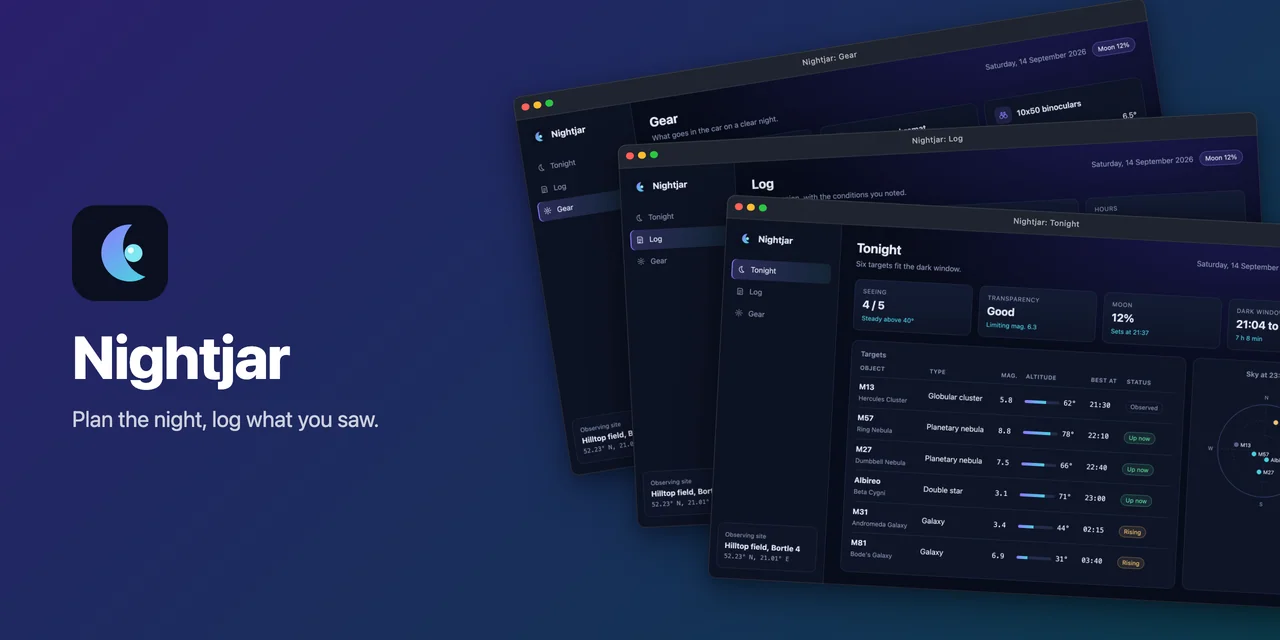
hero.webp 1280x640, 37.7 KBhero: { tagline: 'Plan the night, log what you saw.', logo: '../src/assets/mark.svg', shots: ['gear', 'log', 'tonight'], output: '../public/gallery/hero.webp', quality: 85,},Hero layouts
Section titled “Hero layouts”The same banner in each of the six hero.layout values. Every image from here down comes from a variant config in
site/gallery/variants/: the web config above with one block changed, and root: '..' so its paths still resolve
from site/gallery/. showcase hero and showcase frame render from the raw captures, so the variants capture
nothing again. The block under each image is cut from the file that made it. The layouts that show one window
also pick the one shot, since the config lists three. See layouts in the hero guide.
'stack'default
hero.webp 1280x640, 37.7 KBhero: { tagline: 'Plan the night, log what you saw.', logo: '../src/assets/mark.svg', shots: ['gear', 'log', 'tonight'], output: '../public/gallery/hero.webp', quality: 85,},'spotlight'
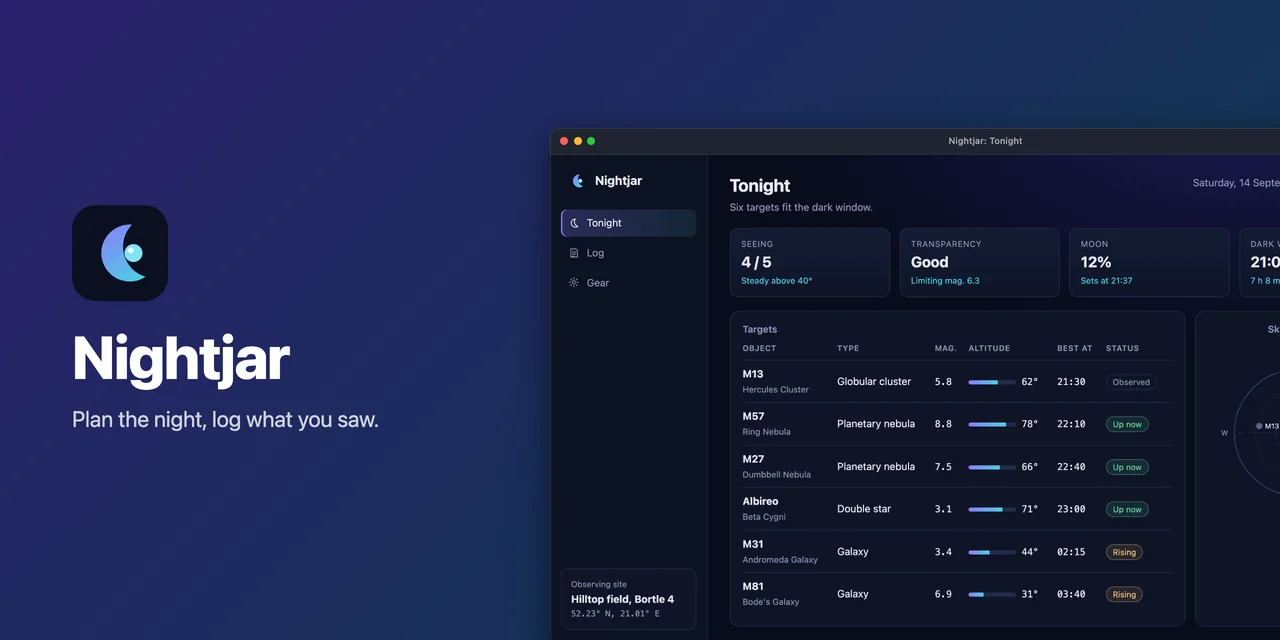
layouts/hero-spotlight.webp 1280x640, 29.0 KBhero: { ...web.hero, layout: 'spotlight', shots: ['tonight'], output: '../public/gallery/layouts/hero-spotlight.webp',},'split'
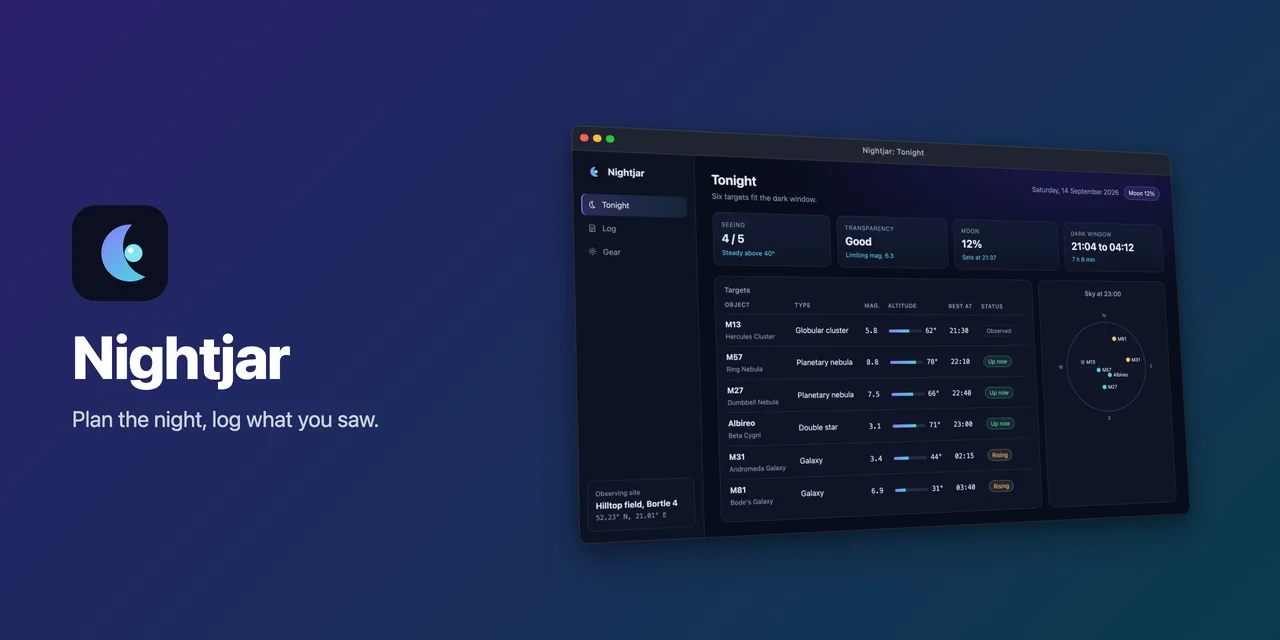
layouts/hero-split.webp 1280x640, 26.6 KBhero: { ...web.hero, layout: 'split', shots: ['tonight'], output: '../public/gallery/layouts/hero-split.webp',},'row'
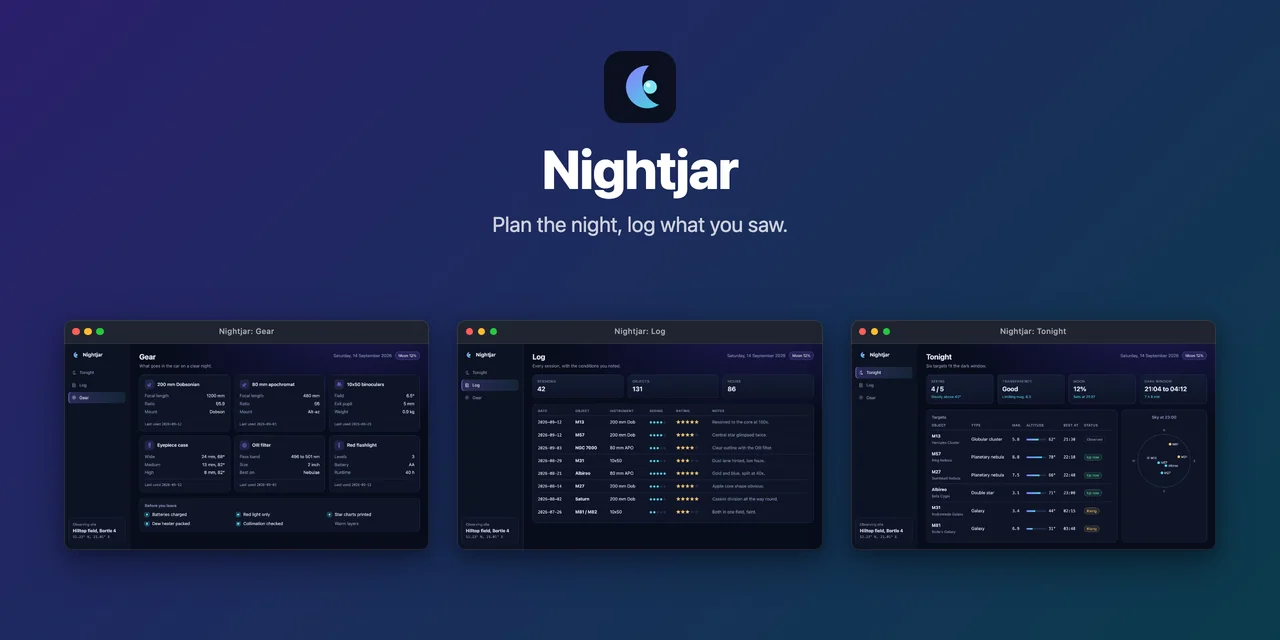
layouts/hero-row.webp 1280x640, 30.0 KBhero: { ...web.hero, layout: 'row', output: '../public/gallery/layouts/hero-row.webp',},'mosaic'
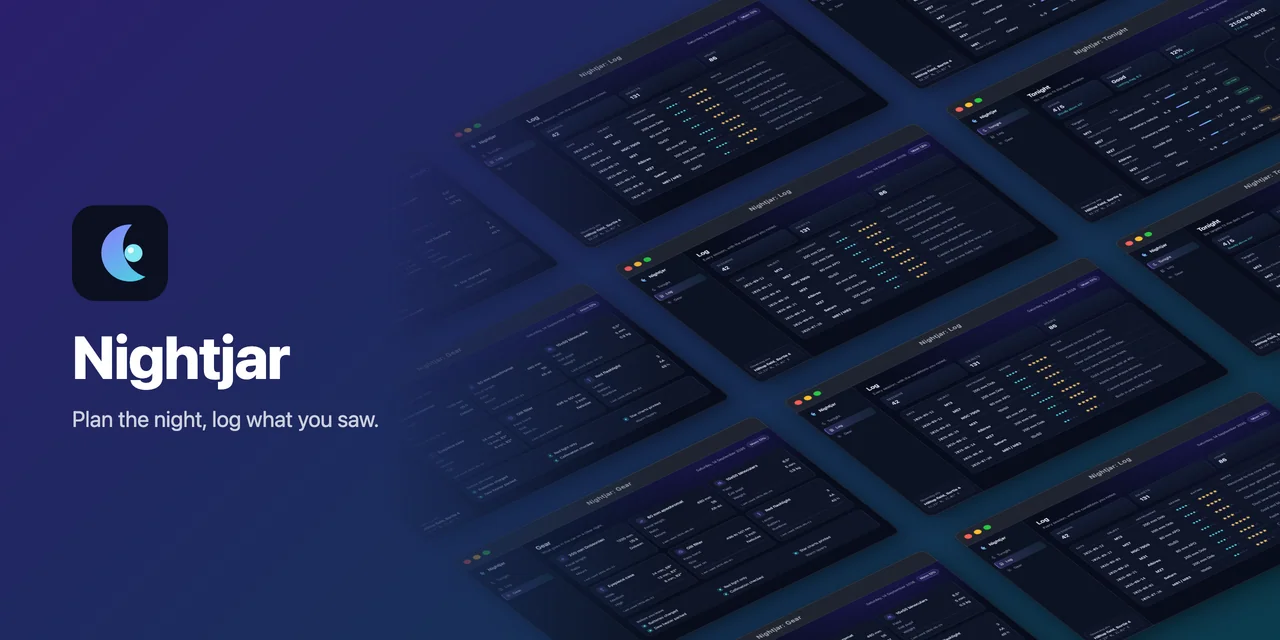
layouts/hero-mosaic.webp 1280x640, 60.9 KBhero: { ...web.hero, layout: 'mosaic', output: '../public/gallery/layouts/hero-mosaic.webp',},'centered'
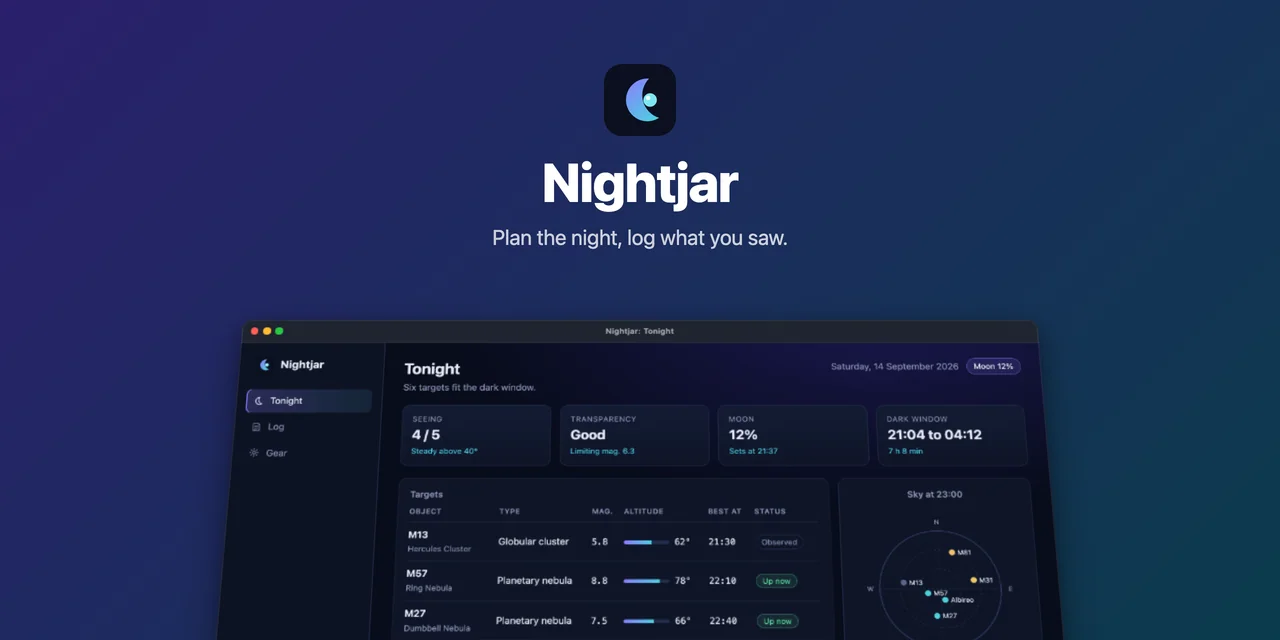
layouts/hero-centered.webp 1280x640, 22.5 KBhero: { ...web.hero, layout: 'centered', shots: ['tonight'], output: '../public/gallery/layouts/hero-centered.webp',},Hero backgrounds
Section titled “Hero backgrounds”hero.background takes every form frame.background does and defaults to it, which is the gradient in the banner
above. Here is the default stack on the three newer types.
{ type: 'mesh' }
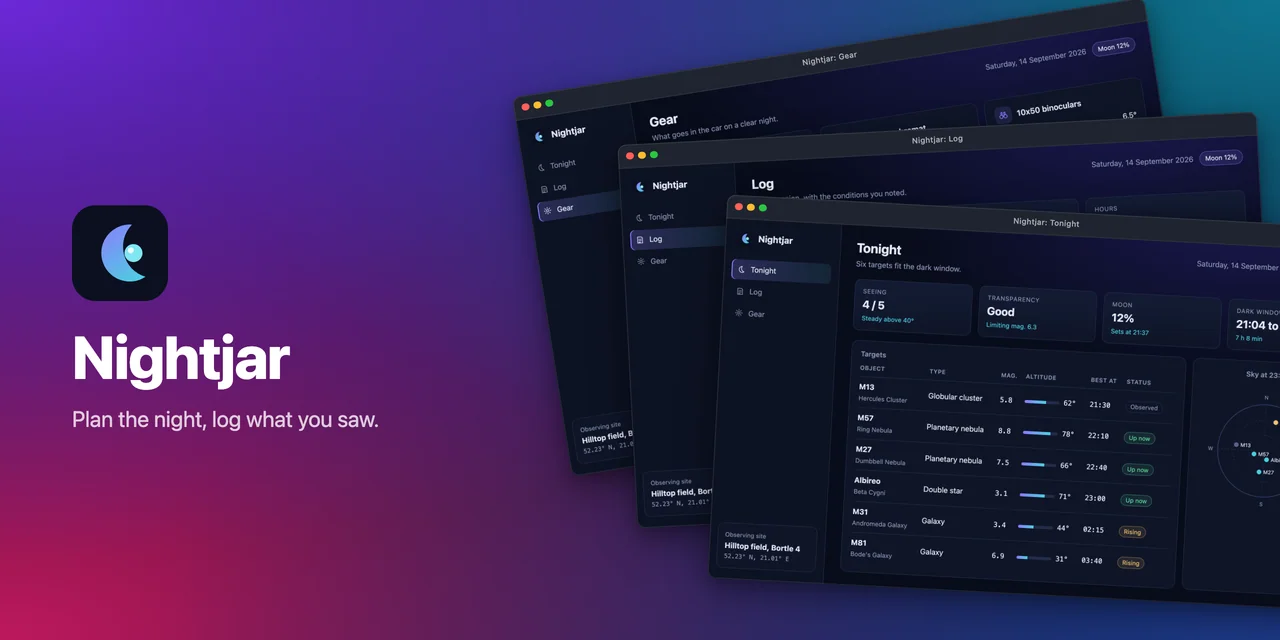
layouts/hero-mesh.webp 1280x640, 40.0 KBhero: { ...web.hero, background: { type: 'mesh', colors: ['#0b1026', '#6d28d9', '#0e7490', '#1e3a8a', '#be185d'] }, output: '../public/gallery/layouts/hero-mesh.webp',},{ type: 'dots' }
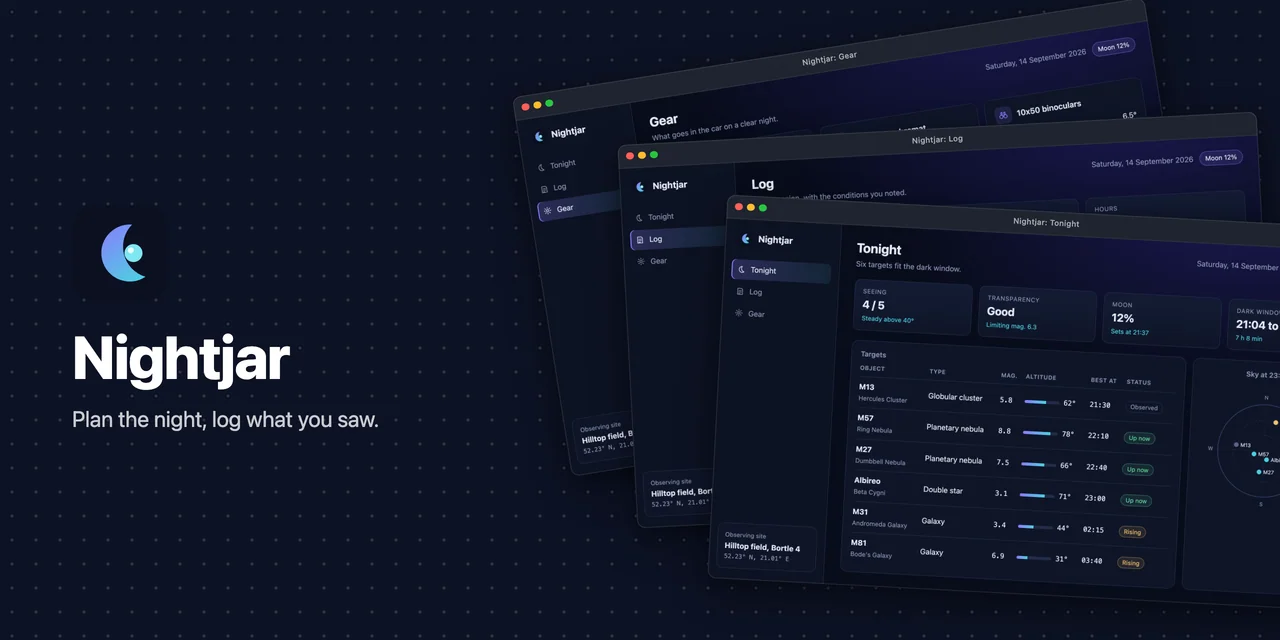
layouts/hero-dots.webp 1280x640, 45.2 KBhero: { ...web.hero, background: { type: 'dots', color: '#0d1224' }, output: '../public/gallery/layouts/hero-dots.webp',},{ type: 'noise' }
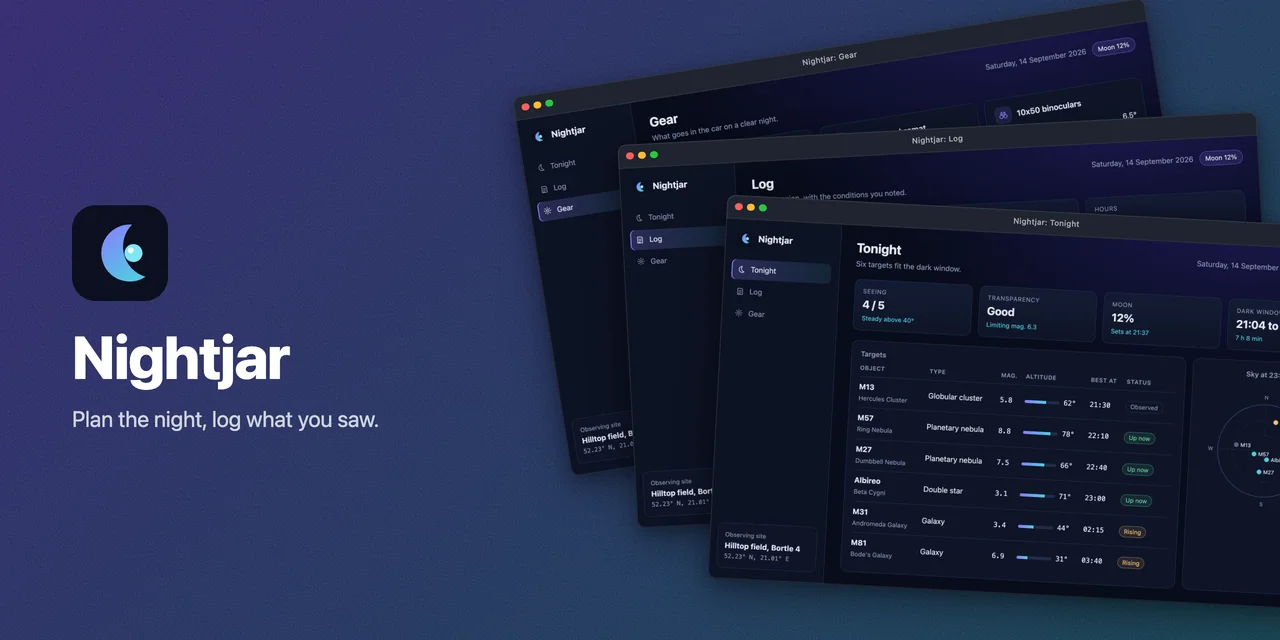
layouts/hero-noise.webp 1280x640, 45.0 KBhero: { ...web.hero, background: { type: 'noise', from: '#2a1f6b', to: '#0b3b4c' }, output: '../public/gallery/layouts/hero-noise.webp',},Frame styles and backgrounds
Section titled “Frame styles and backgrounds”frame.style sets the window chrome and frame.background what it sits on, for the README images, the portfolio,
the hero and clips alike. These variants frame only the English tonight shot, at maxWidth: 1200 and
quality: 80 for a tile here (the README images above are 1600 pixels wide). See the
frames guide.
Web app
Section titled “Web app”'window'default
readme/en/tonight.webp 1600x1009, 54.0 KBframe: { style: 'window', theme: 'dark', title: '{name}: {title}', background: { type: 'gradient', from: '#2a1f6b', to: '#0b3b4c', angle: 135 }, padding: 64, maxWidth: 1600, quality: 85,},'minimal'
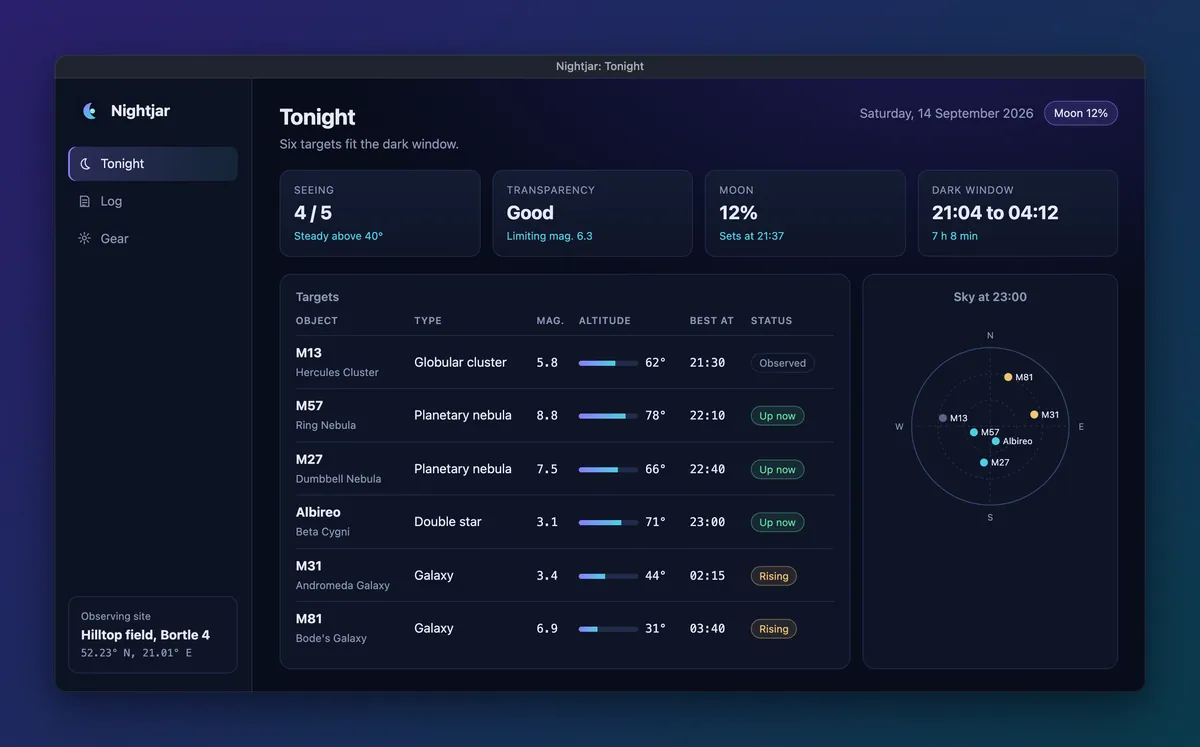
layouts/tonight-minimal.webp 1200x747, 31.6 KBframe: { ...web.frame, style: 'minimal', maxWidth: 1200, quality: 80,},'none'
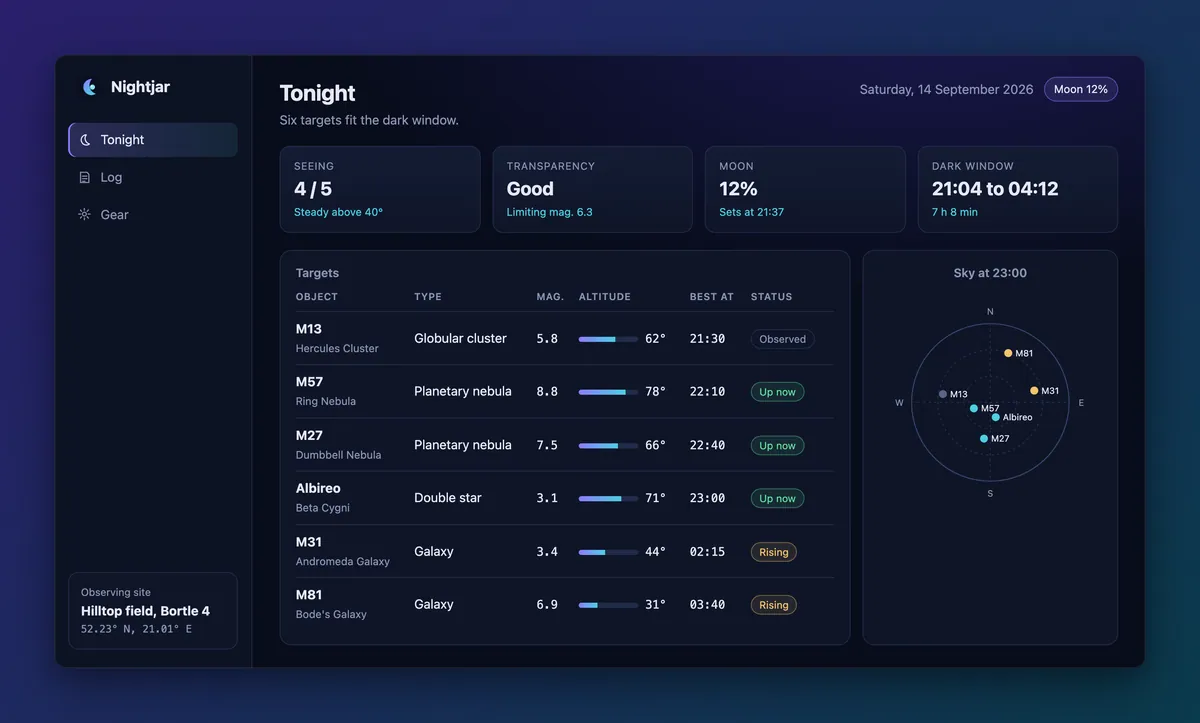
layouts/tonight-none.webp 1200x723, 31.2 KBframe: { ...web.frame, style: 'none', maxWidth: 1200, quality: 80,},'browser'
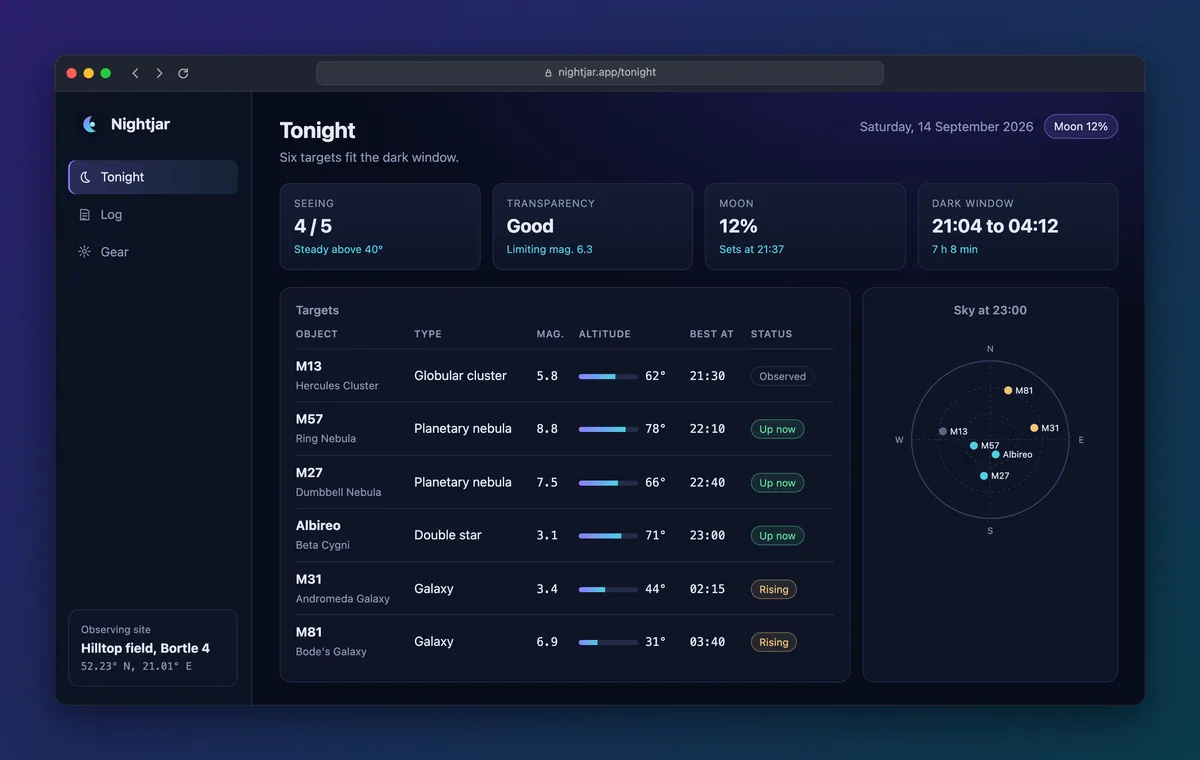
layouts/tonight-browser.webp 1200x760, 32.9 KBframe: { ...web.frame, style: 'browser', address: 'nightjar.app/{id}', maxWidth: 1200, quality: 80,},'windows'
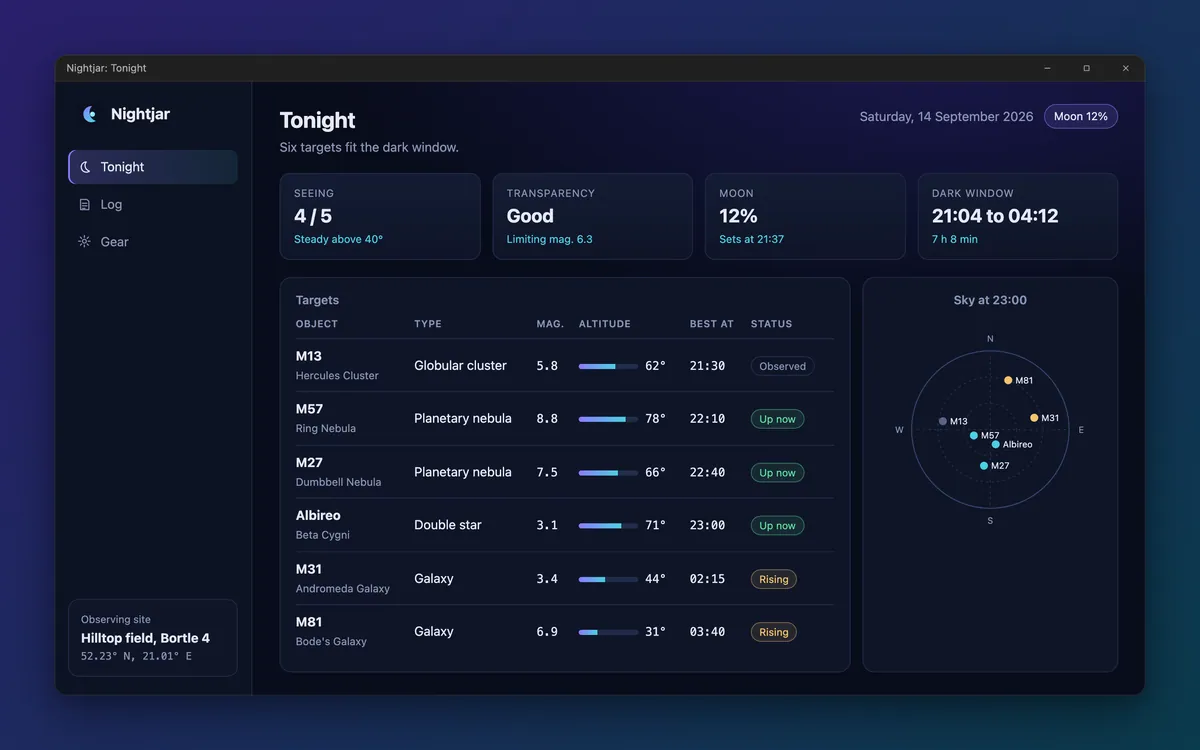
layouts/tonight-windows.webp 1200x750, 31.8 KBframe: { ...web.frame, style: 'windows', maxWidth: 1200, quality: 80,},'terminal'
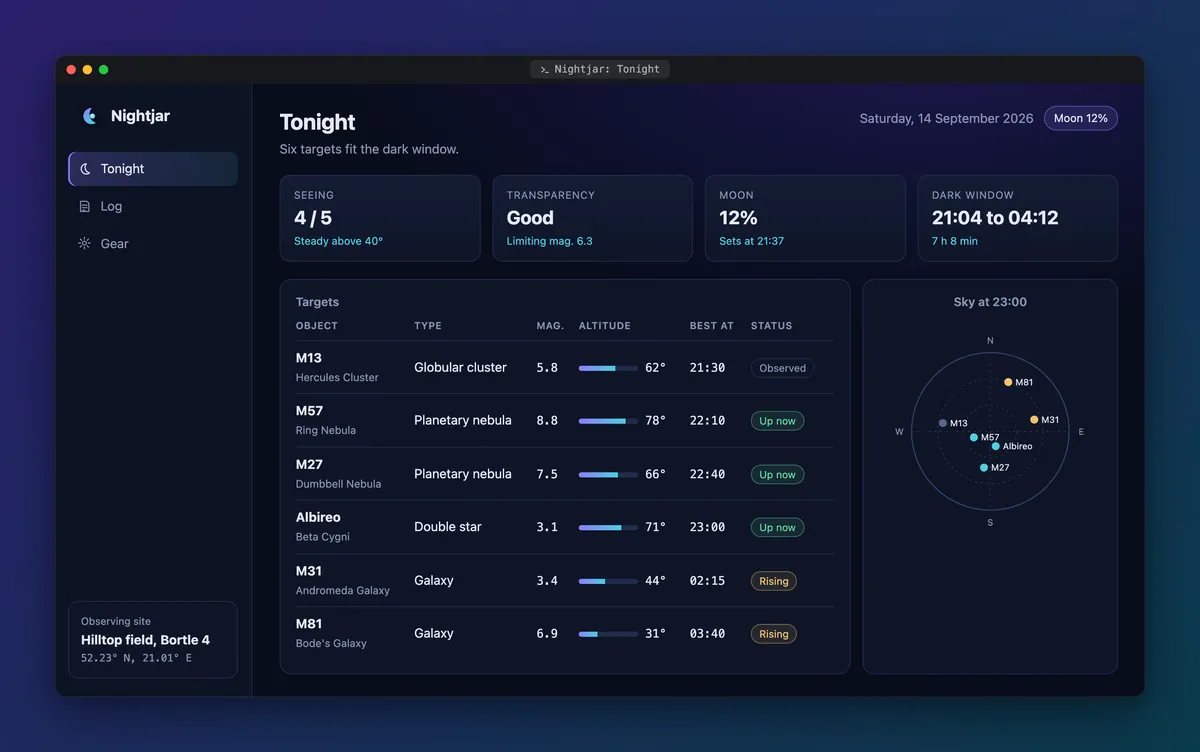
layouts/tonight-terminal.webp 1200x752, 32.4 KBframe: { ...web.frame, style: 'terminal', maxWidth: 1200, quality: 80,},Terminal app
Section titled “Terminal app”The terminal shot from the tty config, framed three ways. browser is not among them: a terminal app has no
address, so a tty config with style: 'browser' fails to load with "browser" needs a page with an address; a terminal app has none (use "terminal" or "window").
'window'default
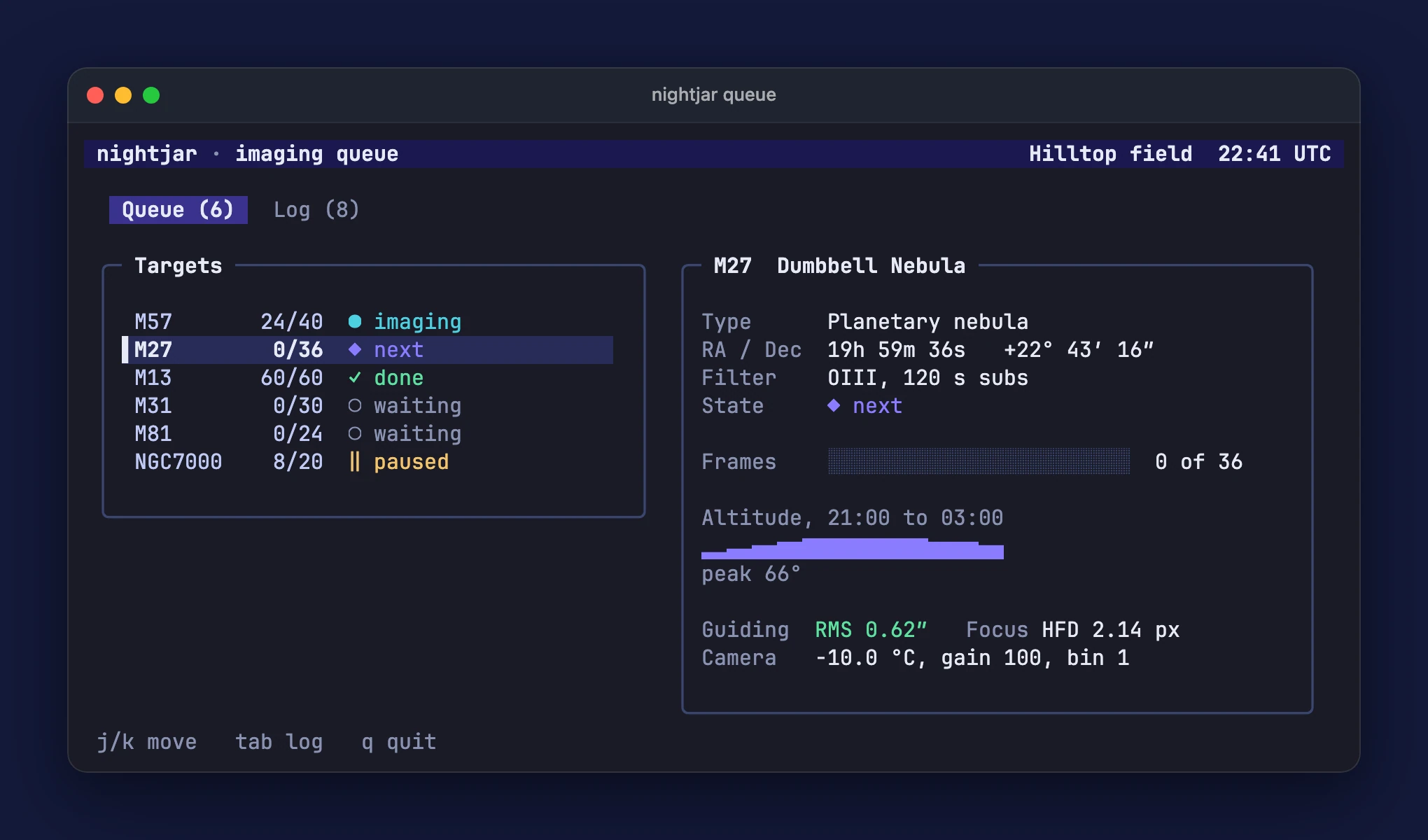
terminal/queue.webp 2040x1200, 80.0 KBframe: { style: 'window', theme: 'dark', title: '{name}', // A solid background keeps a lossless clip small; a gradient does not compress. background: '#141a3a', padding: 48, // No maxWidth: downscaling blends pixels, and this clip came out three times larger with maxWidth: 1600.},'terminal'
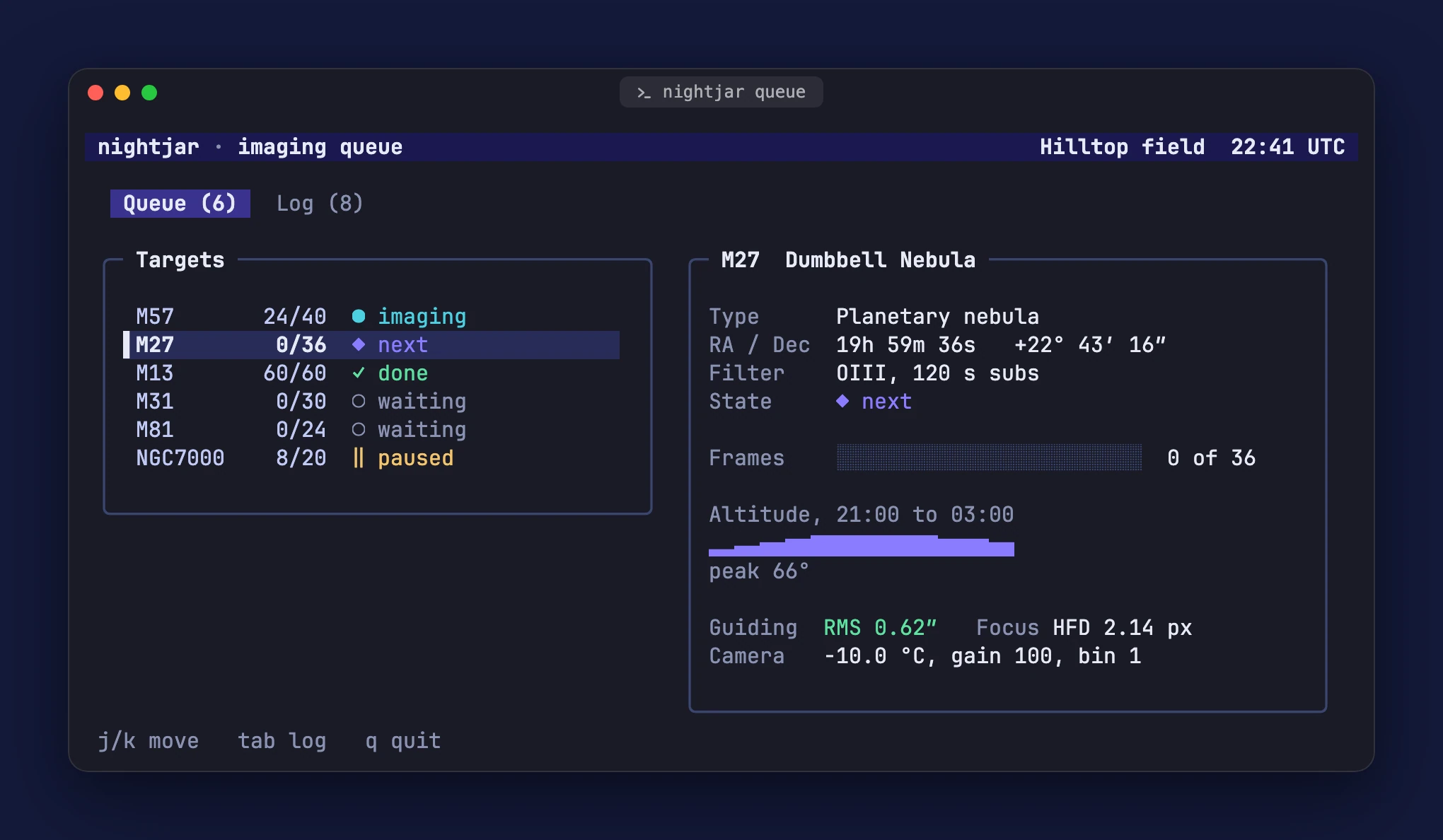
layouts/queue-terminal.webp 2040x1188, 80.1 KBframe: { ...tty.frame, style: 'terminal',},'windows'
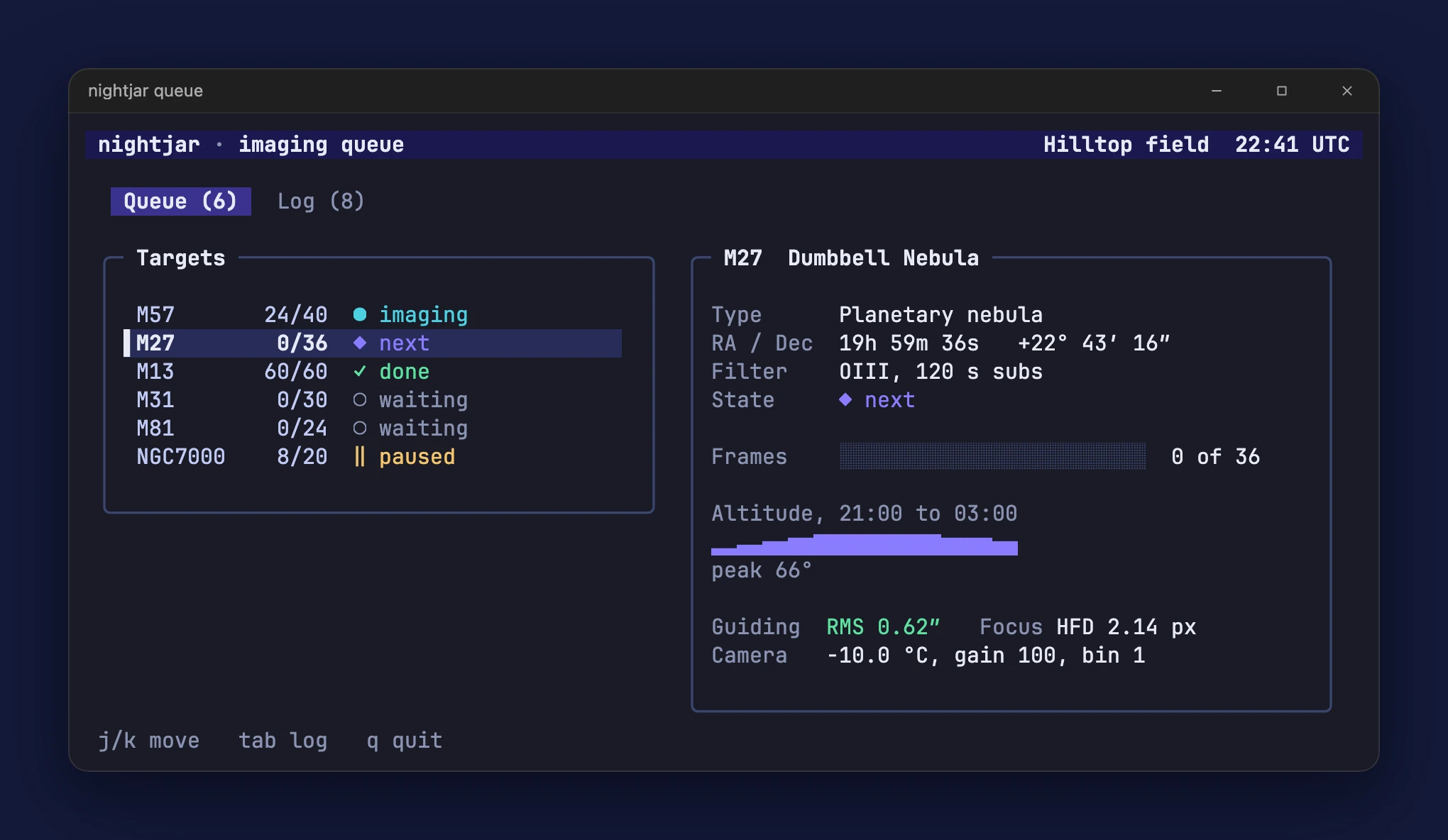
layouts/queue-windows.webp 2040x1184, 79.2 KBframe: { ...tty.frame, style: 'windows',},Backgrounds
Section titled “Backgrounds”The web config’s own background is a gradient, the same type as the kit’s default (which is teal to indigo). The
other forms are below; transparent is left out, since here it would only show this page’s background.
{ type: 'gradient' }default
readme/en/tonight.webp 1600x1009, 54.0 KBframe: { style: 'window', theme: 'dark', title: '{name}: {title}', background: { type: 'gradient', from: '#2a1f6b', to: '#0b3b4c', angle: 135 }, padding: 64, maxWidth: 1600, quality: 85,},'#141a3a'
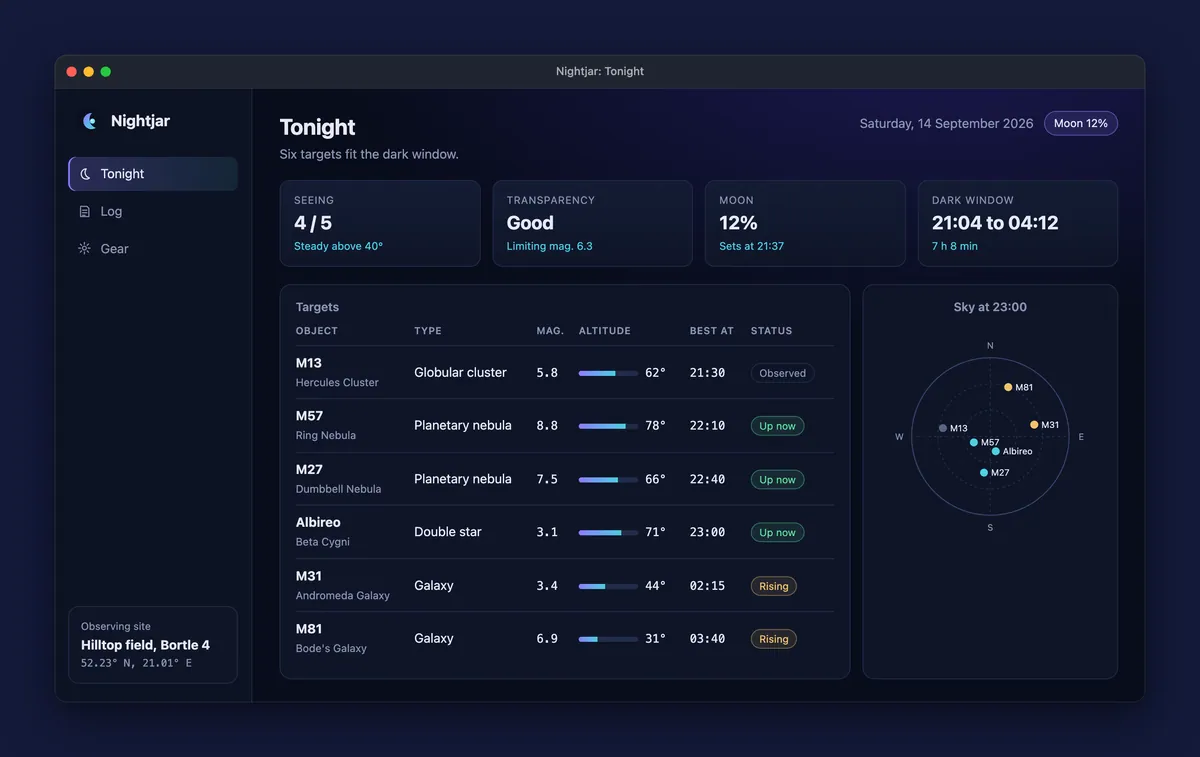
layouts/tonight-solid.webp 1200x757, 31.5 KBframe: { ...web.frame, background: '#141a3a', maxWidth: 1200, quality: 80,},{ type: 'mesh' }
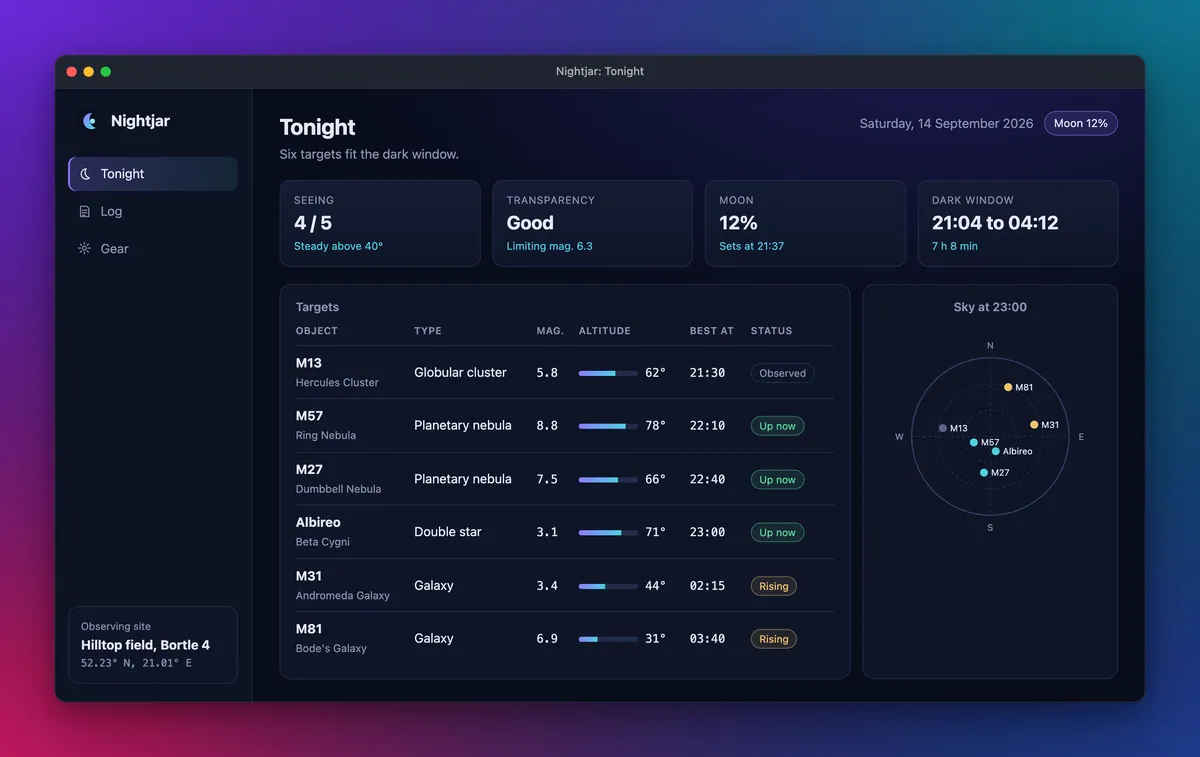
layouts/tonight-mesh.webp 1200x757, 33.0 KBframe: { ...web.frame, background: { type: 'mesh', colors: ['#0b1026', '#6d28d9', '#0e7490', '#1e3a8a', '#be185d'] }, maxWidth: 1200, quality: 80,},{ type: 'dots' }
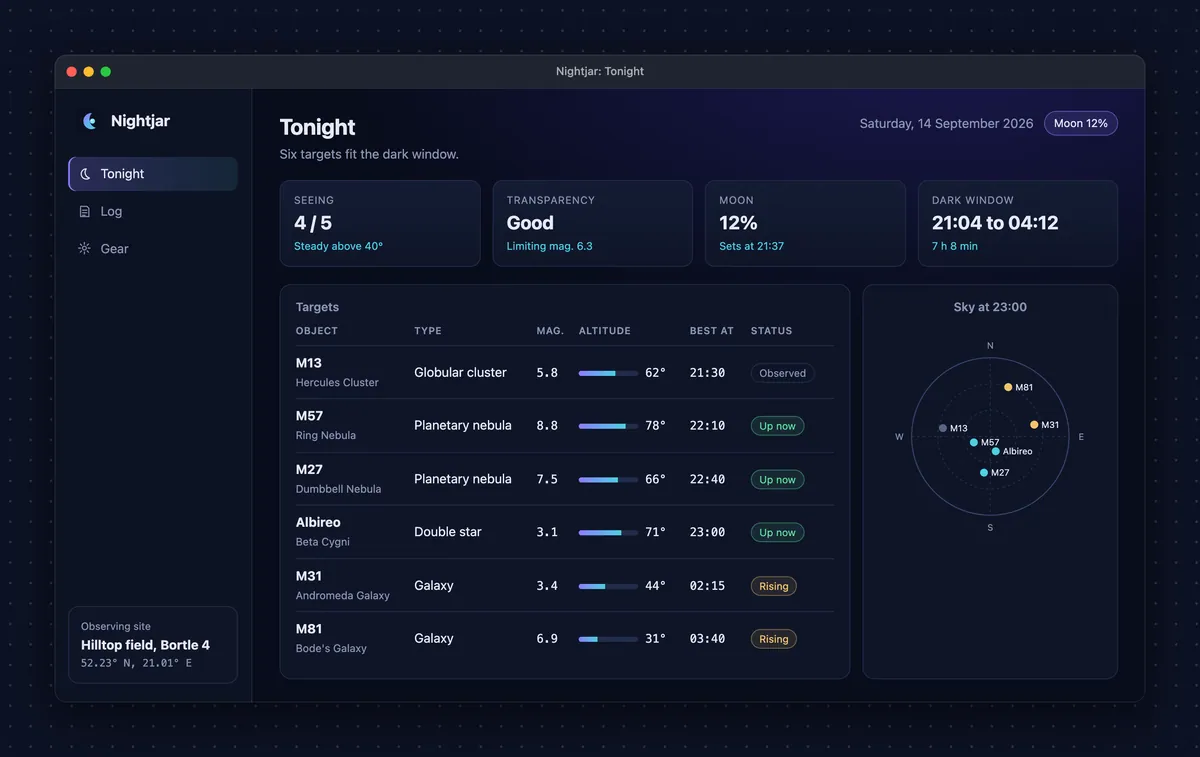
layouts/tonight-dots.webp 1200x757, 36.2 KBframe: { ...web.frame, background: { type: 'dots', color: '#0d1224' }, maxWidth: 1200, quality: 80,},{ type: 'noise' }
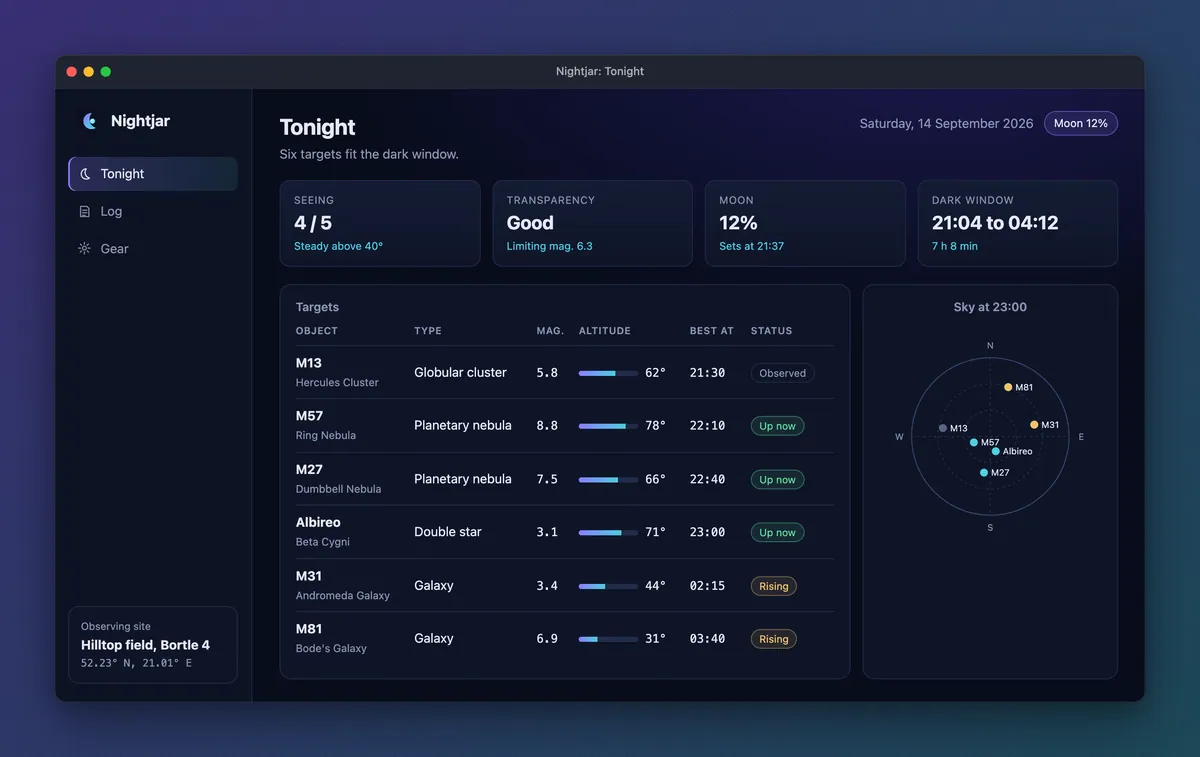
layouts/tonight-noise.webp 1200x757, 32.1 KBframe: { ...web.frame, background: { type: 'noise', from: '#2a1f6b', to: '#0b3b4c' }, maxWidth: 1200, quality: 80,},README layouts
Section titled “README layouts”showcase readme --layout prints the same images, captions and alt text in five arrangements. The gallery script
runs it once per layout with the web config, from the repo root:
showcase readme --config site/gallery/showcase.config.mjs --layout <name> --base ../..Each box below renders the snippet the kit printed, committed as it came out under site/gallery/readme/, with its
image paths pointing at this gallery’s files. The box is styled like a GitHub README, and the HTML is under it.
GitHub strips CSS and most attributes from a README, so every layout uses only the tags and attributes it keeps.
Each layout was checked through GitHub’s own Markdown renderer (its markdown API, in gfm mode) when it was added,
and again for this page: every tag and attribute survives. See layouts in the README guide.
table (default)
Section titled “table (default)”A row of images and a row of <sub> captions under it, two per row unless --cols says otherwise.
|
|
| Plan the night: conditions, targets and a sky chart. | Every session, with seeing and notes. |
|
|
| The kit that goes in the car. |
<table> <tr> <td width="50%"><img src="site/public/gallery/readme/en/tonight.webp" alt="Nightjar's Tonight view: four condition cards, a table of six targets with altitude bars, and a sky chart." /></td> <td width="50%"><img src="site/public/gallery/readme/en/log.webp" alt="Nightjar's Log view: session totals and a table of eight observations with seeing dots, star ratings and notes." /></td> </tr> <tr> <td align="center"><sub>Plan the night: conditions, targets and a sky chart.</sub></td> <td align="center"><sub>Every session, with seeing and notes.</sub></td> </tr> <tr> <td width="50%"><img src="site/public/gallery/readme/en/gear.webp" alt="Nightjar's Gear view: six equipment cards with their specs, and a packing checklist." /></td> </tr> <tr> <td align="center"><sub>The kit that goes in the car.</sub></td> </tr></table>One small table per image: the image in a 60% cell beside its title (as <h3>) and caption, alternating sides.
|
TonightPlan the night: conditions, targets and a sky chart. |
LogEvery session, with seeing and notes. |
|
|
GearThe kit that goes in the car. |
<table> <tr> <td width="60%"><img src="site/public/gallery/readme/en/tonight.webp" alt="Nightjar's Tonight view: four condition cards, a table of six targets with altitude bars, and a sky chart." /></td> <td width="40%"><h3>Tonight</h3><p>Plan the night: conditions, targets and a sky chart.</p></td> </tr></table><table> <tr> <td width="40%"><h3>Log</h3><p>Every session, with seeing and notes.</p></td> <td width="60%"><img src="site/public/gallery/readme/en/log.webp" alt="Nightjar's Log view: session totals and a table of eight observations with seeing dots, star ratings and notes." /></td> </tr></table><table> <tr> <td width="60%"><img src="site/public/gallery/readme/en/gear.webp" alt="Nightjar's Gear view: six equipment cards with their specs, and a packing checklist." /></td> <td width="40%"><h3>Gear</h3><p>The kit that goes in the car.</p></td> </tr></table>featured
Section titled “featured”The first image full width with its caption, then the others in a table, two per row unless --cols says
otherwise.
Plan the night: conditions, targets and a sky chart.
|
|
| Every session, with seeing and notes. | The kit that goes in the car. |
<p align="center"> <img width="100%" src="site/public/gallery/readme/en/tonight.webp" alt="Nightjar's Tonight view: four condition cards, a table of six targets with altitude bars, and a sky chart." /> <br /><sub>Plan the night: conditions, targets and a sky chart.</sub></p><table> <tr> <td width="50%"><img src="site/public/gallery/readme/en/log.webp" alt="Nightjar's Log view: session totals and a table of eight observations with seeing dots, star ratings and notes." /></td> <td width="50%"><img src="site/public/gallery/readme/en/gear.webp" alt="Nightjar's Gear view: six equipment cards with their specs, and a packing checklist." /></td> </tr> <tr> <td align="center"><sub>Every session, with seeing and notes.</sub></td> <td align="center"><sub>The kit that goes in the car.</sub></td> </tr></table>details
Section titled “details”One collapsible <details> per image, with the title and caption as its summary; the first starts open.
Tonight: Plan the night: conditions, targets and a sky chart.
Log: Every session, with seeing and notes.
Gear: The kit that goes in the car.
<details open> <summary><b>Tonight</b>: Plan the night: conditions, targets and a sky chart.</summary> <p align="center"><img width="100%" src="site/public/gallery/readme/en/tonight.webp" alt="Nightjar's Tonight view: four condition cards, a table of six targets with altitude bars, and a sky chart." /></p></details><details> <summary><b>Log</b>: Every session, with seeing and notes.</summary> <p align="center"><img width="100%" src="site/public/gallery/readme/en/log.webp" alt="Nightjar's Log view: session totals and a table of eight observations with seeing dots, star ratings and notes." /></p></details><details> <summary><b>Gear</b>: The kit that goes in the car.</summary> <p align="center"><img width="100%" src="site/public/gallery/readme/en/gear.webp" alt="Nightjar's Gear view: six equipment cards with their specs, and a packing checklist." /></p></details>Every image full width, one under the other, each with its caption.
Plan the night: conditions, targets and a sky chart.
Every session, with seeing and notes.
The kit that goes in the car.
<p align="center"> <img width="100%" src="site/public/gallery/readme/en/tonight.webp" alt="Nightjar's Tonight view: four condition cards, a table of six targets with altitude bars, and a sky chart." /> <br /><sub>Plan the night: conditions, targets and a sky chart.</sub></p><p align="center"> <img width="100%" src="site/public/gallery/readme/en/log.webp" alt="Nightjar's Log view: session totals and a table of eight observations with seeing dots, star ratings and notes." /> <br /><sub>Every session, with seeing and notes.</sub></p><p align="center"> <img width="100%" src="site/public/gallery/readme/en/gear.webp" alt="Nightjar's Gear view: six equipment cards with their specs, and a packing checklist." /> <br /><sub>The kit that goes in the car.</sub></p>Terminal shot and clip
Section titled “Terminal shot and clip”A second config runs tui.mjs in a pseudo terminal at 100x22 cells. The shot presses j once and waits for the
selected target’s details; the clip starts a fresh process, moves down the queue and switches to the log. Unchanged
frames merge, so 4.9 seconds of recording is five distinct frames. The clip is written as WebP and GIF (the default
formats). Two frame choices keep it small: a solid background, and no maxWidth. Downscaling blends pixels, and
with maxWidth: 1600 this clip’s lossless WebP was 351 KB instead of 121 KB at full size. inheritEnv: false keeps
your environment out of the images. See terminal apps and
clips.
terminal/queue.webp 2040x1200, 80.0 KB
terminal/tour.webp 2040x1200, 5 frames, 121.2 KBThe same clip as a GIF: terminal/tour.gif.
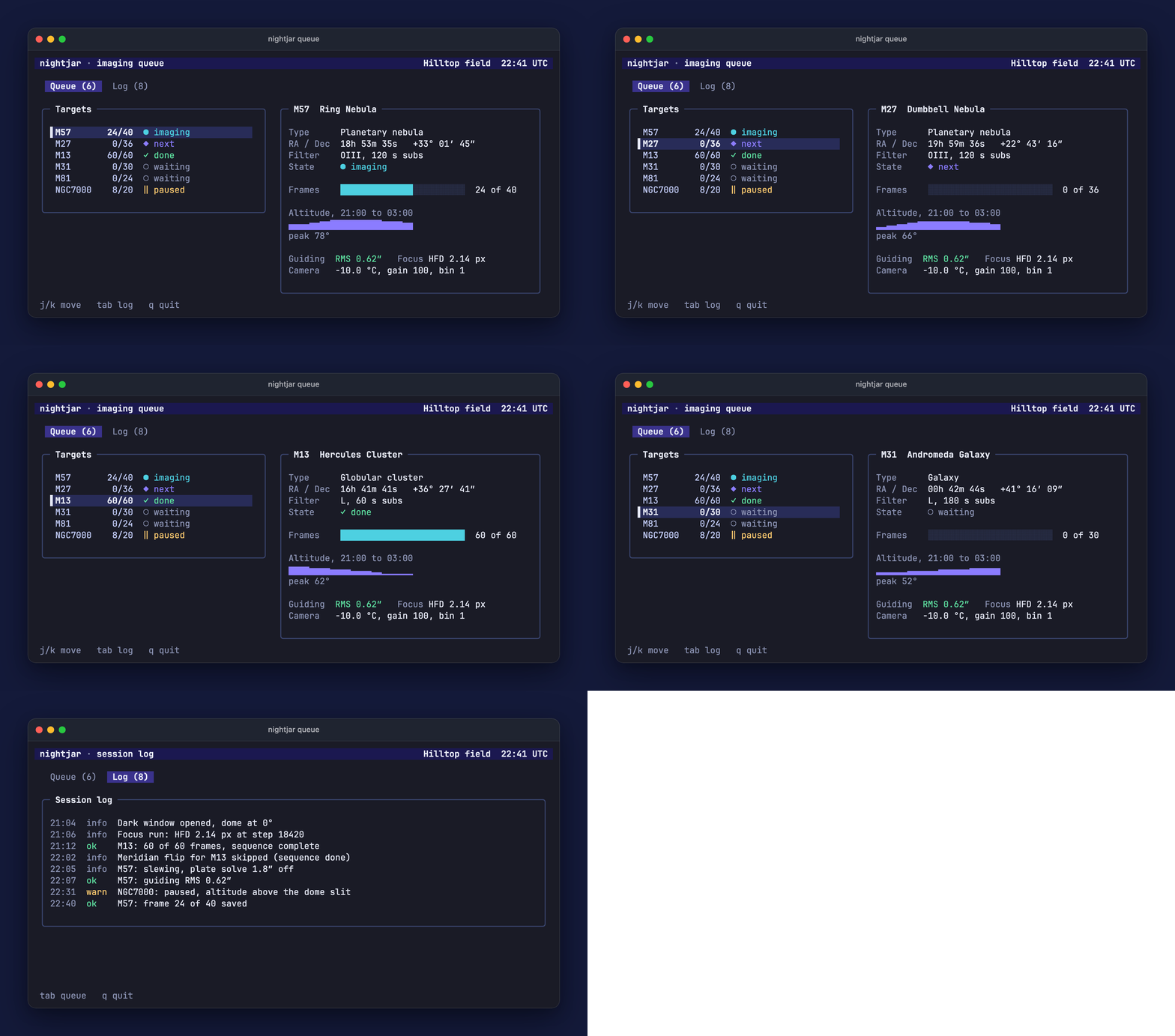
// The terminal half of the docs gallery: tui.mjs, a dependency-free TUI with fixed data and a frozen clock.// A tty config is its own file (a config captures either a browser page or a terminal), so the gallery// script passes it with --config. As in showcase.config.mjs, wrap it in `defineConfig` in your own project.export default { name: 'nightjar queue', target: { mode: 'tty', command: ['node', 'tui.mjs'], // Only what a program needs to start: nothing from your environment can end up in the images. inheritEnv: false, cols: 100, rows: 22, }, ready: /Queue \(\d+\)/, deviceScaleFactor: 2, terminal: { theme: 'dark', font: { size: 15 } }, shots: [ { id: 'queue', title: 'Imaging queue', caption: 'The imaging queue, one target selected.', alt: 'A terminal showing the nightjar imaging queue: six targets with their progress, M27 selected, and its details with an altitude graph.', keys: 'j', waitFor: 'M27 Dumbbell', }, ], clips: [ { id: 'tour', title: 'Queue tour', caption: 'Moving down the queue, then over to the session log.', alt: 'An animation of the nightjar queue: the selection moves down three targets, then the view switches to the session log.', steps: [ { sleep: 700 }, { keys: 'j' }, { sleep: 500 }, { keys: 'j' }, { sleep: 500 }, { keys: 'j' }, { sleep: 900 }, { keys: '{Tab}' }, { waitFor: 'Session log' }, ], tailMs: 1800, durationMs: 10000, // formats defaults to WebP and GIF. }, ], frame: { style: 'window', theme: 'dark', title: '{name}', // A solid background keeps a lossless clip small; a gradient does not compress. background: '#141a3a', padding: 48, // No maxWidth: downscaling blends pixels, and this clip came out three times larger with maxWidth: 1600. }, outputs: { raw: 'showcase-out/raw-tty/{lang}/{id}.png', readme: '../public/gallery/terminal/{id}.webp', clips: '../public/gallery/terminal/{id}.{ext}', },};The icon set needs no config. The gallery script renders this site’s mark.svg to a 1024 pixel square PNG with
sharp, then runs:
showcase icons --source site/gallery/showcase-out/icon-source.png --preset web --out site/public/gallery/iconsEvery size is fitted onto a transparent square. See the icons guide.

icons/icon-512.png 512x512, 28.8 KB
icons/icon-192.png 192x192, 10.7 KB
icons/apple-touch-icon.png 180x180, 10.0 KB| File | Pixels | Size |
|---|---|---|
icons/apple-touch-icon.png | 180x180 | 10.0 KB |
icons/favicon.ico | ICO, several sizes | 4.4 KB |
icons/icon-192.png | 192x192 | 10.7 KB |
icons/icon-512.png | 512x512 | 28.8 KB |
How the gallery is made
Section titled “How the gallery is made”site/scripts/gallery.ts stops with a clear message when dist/cli.js is missing or when something already answers
on the fixture server’s port. Otherwise it empties the output folders, renders the icon source, and runs the built CLI
under Node with an argument list (no shell), one command at a time:
allwith the web config: capture, frame, and the portfolio export;herowith the web config;all --only queuewith the tty config: the terminal shot;recordwith the tty config: the clip;iconswith thewebpreset;heroorframewith each config insite/gallery/variants/, from the raw captures of steps 1 and 3;readme --layout <name>with the web config, once per layout, each written tosite/gallery/readme/<name>.html;readmewithsite/gallery/readme.config.mjs, a config that only lists gallery images: the table in the kit’s own README, written tosite/gallery/readme/kit-readme.html.
The kit starts the fixture server itself and stops its whole process tree when a command ends, and the script checks
that the port is free again afterwards. Last, it writes site/gallery/gallery.manifest.json (the size, pixel size and
SHA-256 hash of every output, which this page reads for image dimensions) and fails when the committed files together
pass 4 MB. Raw captures stay in site/gallery/showcase-out/, which git ignores.
Two runs on the same machine write the same bytes. Another operating system rasterizes fonts differently, so expect small pixel differences in images regenerated there: regenerate on one OS if the committed files must not churn. The config reference lists every key the two configs use.